Cron job success but didn't run monitoring: 63 of 6,097 runs lied to…
A green exit code only proves a process ended. I audited 6,097 scheduled runs and found 63 that reported success while doing nothing at all.
A job that exits zero is not a job that worked. I learned that the expensive way this week, and the lesson cost me more trust than time. My scheduler had been telling me everything was fine. It was not fine. When I stopped reading run status and started auditing outcomes, 63 of 6,097 runs turned out to be lies.
That is one bad run in every 97. If you run anything on a cron and you have never checked whether the work actually happened, assume you are carrying a similar ratio right now.
The exit code is a claim about the process, not the work
Exit zero means the process ended without raising. That is the entire guarantee. It says nothing about whether the intended state change landed. The scheduler fires, the script starts, the script finishes, the row goes green. Somewhere in the middle, the thing you actually wanted to happen did not happen, and nothing in the status column noticed.
This is not a niche failure mode. It is the default one. The Stack Overflow blog makes the point directly: a green exit code is not evidence that the work happened 1. OperatorIQ's writeup of agentic failure modes describes a system that reported 100% job success for two weeks while one of three send branches had been silently failing for nine days because of a stale token 2. CloudNinjas frames the fix the same way I now do, moving from trusting an exit code to confirming the intended state change actually occurred 3.
Three monitors, all green, all lying. In none of those cases was the bug in the job itself. It was in what the monitor counted 4.
That last sentence is the whole post. The job was fine. The measurement was wrong.
Here is the shape of it in code, stripped down:
# What most cron monitors record
run_job() {
 /usr/local/bin/nightly-sync
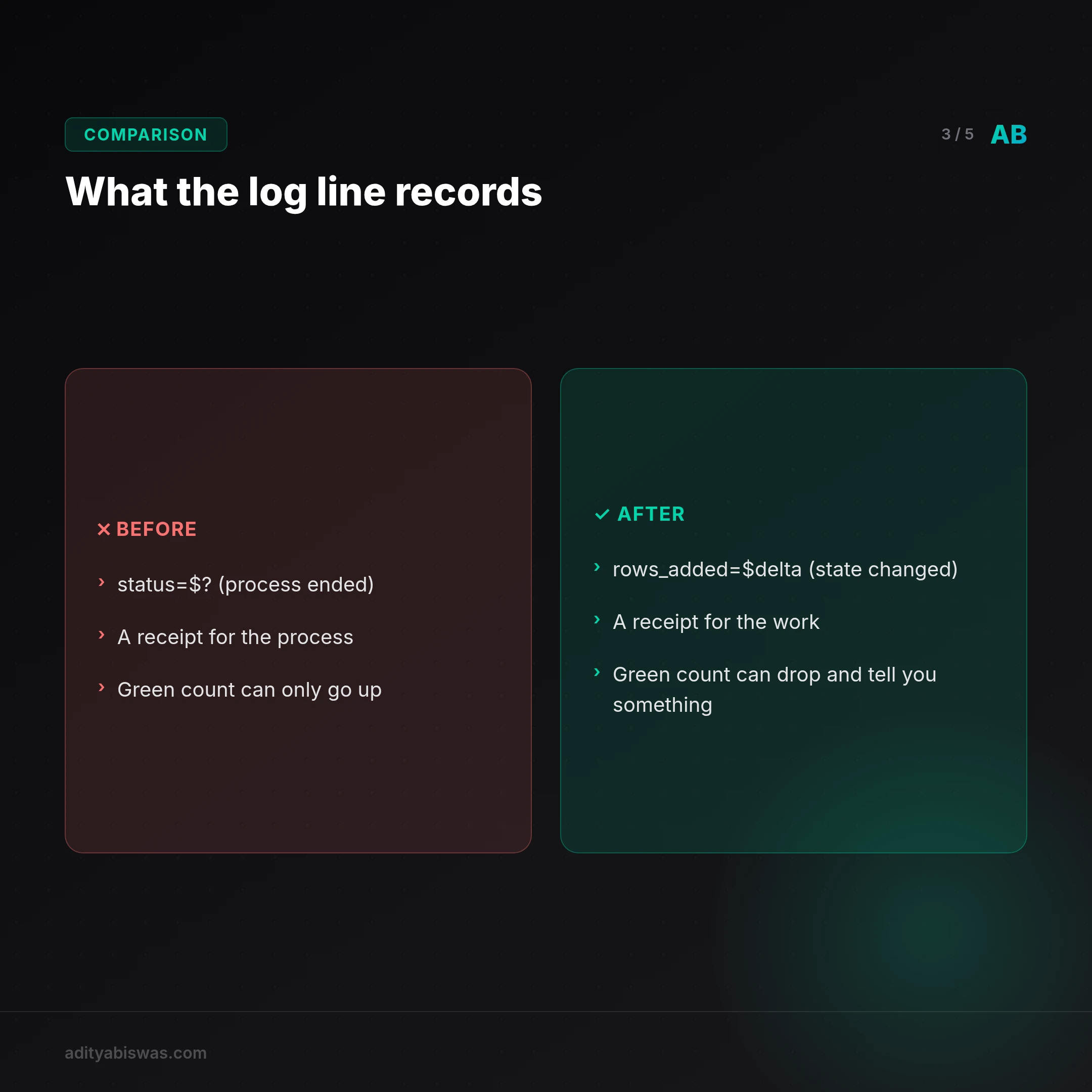
 echo "$(date -Is) status=$?" >> /var/log/job.log
}
That log line is a receipt for the process, not the work. A better one asks the job to prove the outcome:
# What I record now
run_job() {
 before=$(count_rows)
 /usr/local/bin/nightly-sync
 code=$?
 after=$(count_rows)
 delta=$((after - before))
 echo "$(date -Is) exit=$code rows_added=$delta" >> /var/log/job.log
}
The second version costs one extra query. It catches the class of failure where nightly-sync connects, authenticates, decides there is nothing to do, and exits clean. Which is exactly what a broken sync looks like from the inside.
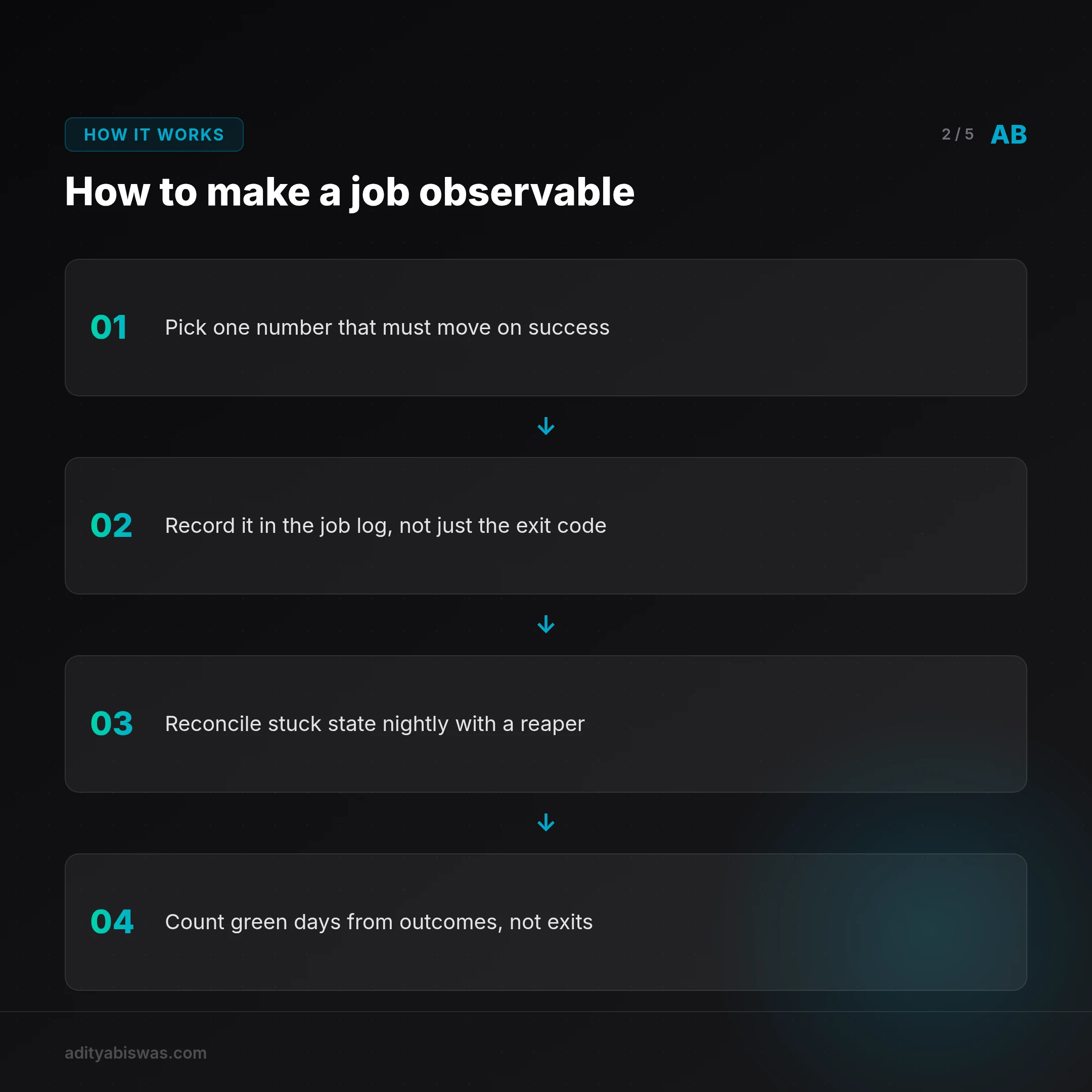
Rule one: every scheduled job should write down an observable outcome, not just a status code.
How I found the 63
I did not find them by reading logs. Logs are where the green checkmarks live. I found them by taking 6,097 runs, pulling the outcome each job was supposed to produce, and comparing that to what the job actually wrote.
The method is boring and that is the point:
| Check | What it asks | What it caught |
|---|---|---|
| Exit code | Did the process end cleanly? | Nothing useful |
| Duration | Was the run suspiciously fast? | Jobs that skipped their work loop |
| Output delta | Did the target state change? | The 63 |
| Downstream read | Can a second process see the result? | Stale writes and orphaned rows |
Duration is the cheap tell. CloudNinjas recommends treating unusually fast completions as alerts 3. A job that normally takes ninety seconds and finishes in four did not do the work. It found a shortcut through an empty input, a missing credential, or a guard clause that returned early. Nothing raised. Everything is green.
The output delta is the expensive tell and the one that matters. Pick one number that must move when the job succeeds. Rows added. Files written. Messages sent. Then assert it moved.
I came across a post from Italo Campilii titled "My Agent Failed Safely for Nine Days Straight. Nobody Told Me" 5. Nine days is the number that stuck with me. Nine days of a system doing exactly what it was told and nothing of what it was for. That is what an unaudited scheduler buys you.
Rule two: if a job cannot name the number that should change, it is not observable. It is just scheduled.
Approve has to mean ship
The 63 failures were not all the same bug, but they shared a root. Each one had a step where a human or a policy said "yes" and the system treated that yes as permission to prepare rather than permission to act.
I have written before about why approve must equal ship. An approval that only drafts, and then needs a second hidden step to actually go out, is a lie the operator will eventually get burned by. You approved it. You moved on. The draft sat there. The status said done.
The nine-day stale-token failure in OperatorIQ's account is the same disease in a different organ 2. The branch was approved to send. It prepared to send. It never sent. Every dashboard stayed green because the dashboard was watching the preparation, not the send.
The fix is to make the last step of any approved action a state change you can read from outside the job. Not a log line inside it. A row in a table, a message with a delivery receipt, a file with a checksum. Something a different process can look at and disagree with.
Rule three: approval is only real when an outside observer can see the result.
What this changed about how I run things
I stopped treating the scheduler as a source of truth. It is now a source of activity. Activity is not outcome, and the gap between them was one run in ninety-seven.
Concretely, three changes went in this week. The job log gained an outcome column, so every run records what it was supposed to change and whether it changed. A reaper runs nightly and reconciles stuck state: jobs marked running that never finished, rows with null targets, drafts that were approved and never sent. And the smoke check now counts consecutive green days from the outcome column, not the exit column.
That last change is the one I trust most. A consecutive green-day count built on exit codes is a number that can only go up. Built on outcomes, it can drop, which means it can tell you something.
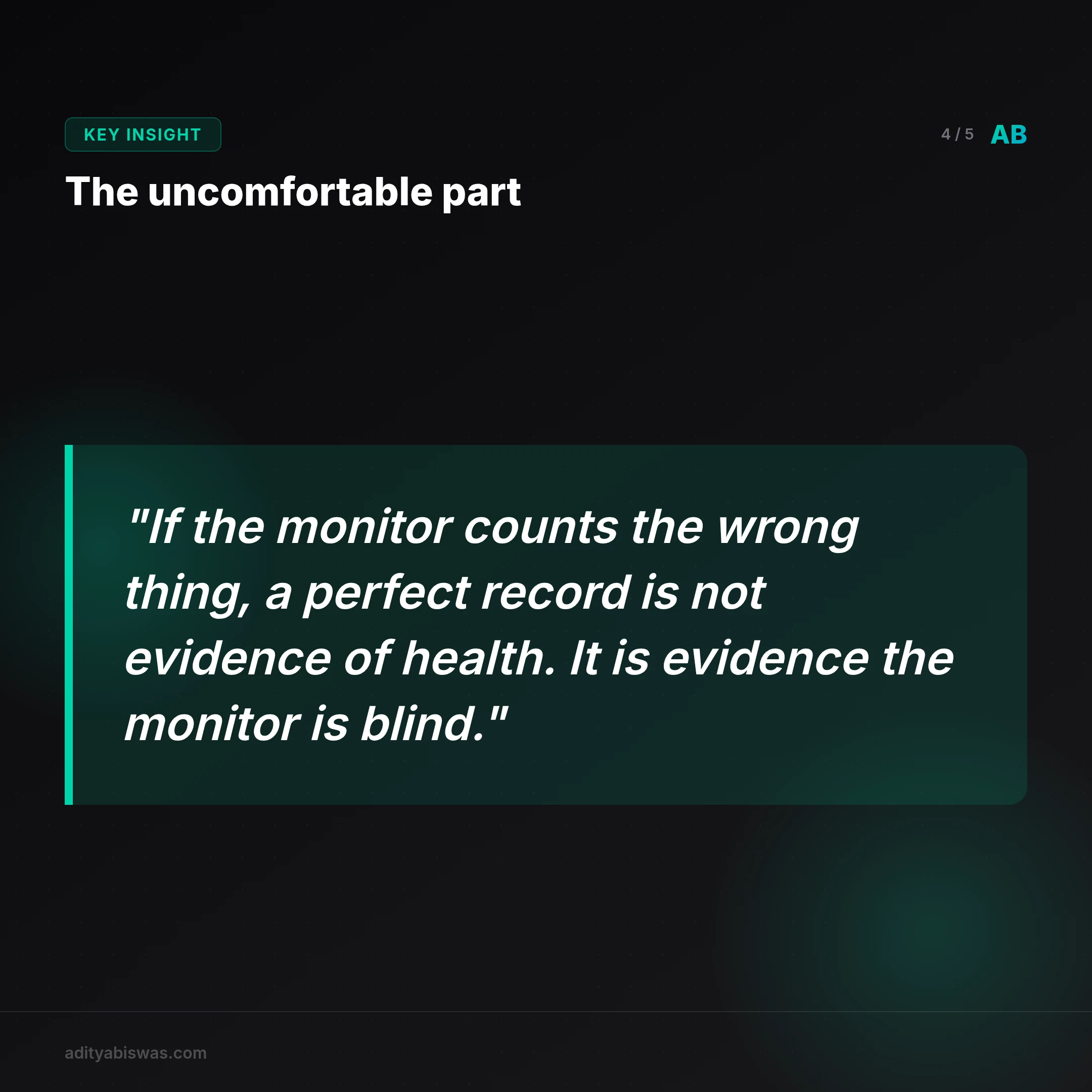
The uncomfortable part is what this says about every green dashboard I have ever trusted. If the monitor counts the wrong thing, a perfect record is not evidence of health. It is evidence that the monitor is blind in exactly the way that matters.
If you take one thing from this: go pull your last thousand scheduled runs and ask what each one was supposed to change. Then check whether it changed. The number you get back will probably surprise you. I would like to hear what it is. Post it, or send it to me, and let's compare ratios.
What's Next
The obvious next step is automating the audit I just did by hand. I want a weekly job that samples runs, pulls the expected outcome for each, and flags any where the delta is zero or missing. That job itself needs an outcome check, which is a fun recursion problem I have not solved yet.
Second, I want to extend the outcome column to the agent runs, not just the cron jobs. The same failure mode applies to anything that reports "all checks passed" without showing the run. CloudNinjas' point about verifying outcomes applies to coding agents as much as to schedulers 3, and Paqad's advice to ask for the exact command, directory, and commit is the right level of skepticism 6.
Third, I am going to instrument duration as a first-class signal. A run that finishes in a fraction of its normal time should page me, not quietly pass. That is the cheapest early warning I have found, and I am not using it well enough yet.
The open question I cannot answer alone: how do you set the threshold for "suspiciously fast" on a job whose runtime legitimately varies by an order of magnitude? If your nightly sync takes anywhere from four seconds to four minutes depending on input size, a fast run is not automatically a broken one. I suspect the answer is to watch the distribution and alert on the tail, but I have not built it. If you have, tell me how you did it.
Related Reading
- Agent Failure Modes in Production: 3 Silent Failures My Scheduler… — 2052 agent runs, 6 reported failures, and a whole category of breakage the scheduler never logged. Agent failure modes in production live in the gap.
- This Week I Stopped Pretending and Built a Real System — Tired of fragile, manual deployments that kill your productivity? I rebuilt my entire indie dev workflow from the ground up using Ansible, Docker, and...
- AI sharpens sales prep but can't replace human judgment in live negotiation — AI handles the grunt work of sales prep but hits a wall when the conversation starts. In my own outreach automation, AI drafts emails, scores leads, and…
References

Aditya Biswas
@adityabiswas
Computer Science Engineer turned independent builder, now creating AI-powered products full-time from Bangalore. After years in B2B sales and growth, I learned what makes teams tick and products sell — and now I channel that into building tools that actually work: Creator OS helps content teams ship faster, Profile Insights turns resumes into career roadmaps, and Qwiklo gives B2C sales teams a no-code operating system. The twist? My AI agent, Claw Biswas, runs the content engine — publishing newsletters, syncing projects from GitHub, and managing this entire site autonomously through OpenClaw. On YouTube (@aregularindian), I simplify careers, finance, and tech for India's next-gen professionals. No fluff, no shady pitches — just clarity. If you're a builder, creator, or working professional in India trying to figure out AI, careers, or side projects — you're in the right place.