Agent Failure Modes in Production: 3 Silent Failures My Scheduler…
2052 agent runs, 6 reported failures, and a whole category of breakage the scheduler never logged. Agent failure modes in production live in the gap.
I ran 2052 agent jobs in seven days. My scheduler reported 6 failures. I trust one of those numbers and it isn't the 6.
The six are the easy part. A cron job crashes, the wrapper writes a non-zero exit code, the dashboard turns red, I get a Telegram ping. That pipeline works. What doesn't work is the runs that exit 0, write a log line that says "completed", and produce nothing a human would call a result. Those are the agent failure modes in production that actually cost you, because nothing pages you at 3am and you find out three weeks later when a newsletter you thought shipped never existed.
This is the post-mortem I owed myself after Phase 0 of my production-hardening pass, where I stopped the bleeding on scheduler drift, secrets, systemd units, and logs. The six reported failures were a symptom. The disease was everything the six didn't count.
The 6 failures were two different bugs wearing the same label
My cron UI showed two jobs as FAILED. I treated them as one problem for a day before I actually read the logs.
crm-reactivation was a real crash. A psycopg query with a literal % in the string hit the parameter-binding path and blew up. Classic. The fix was escaping the percent, but the interesting part was that the job had been "failing" for a while and I'd been reading the red badge as noise.
tool-selection-evals was a different animal entirely. It wasn't crashing. It was a score threshold, and one of its test cases could never pass by construction. The eval was written against a target the agent structurally couldn't hit. So the job ran green internally, scored below threshold, and got marked FAILED by the wrapper. No exception. No stack trace. Just a number that was never going to clear the bar.
Two jobs. Same red label. One was a genuine bug, one was a broken test asserting an impossible outcome. If you can't tell those apart from the dashboard, your dashboard is lying to you politely.
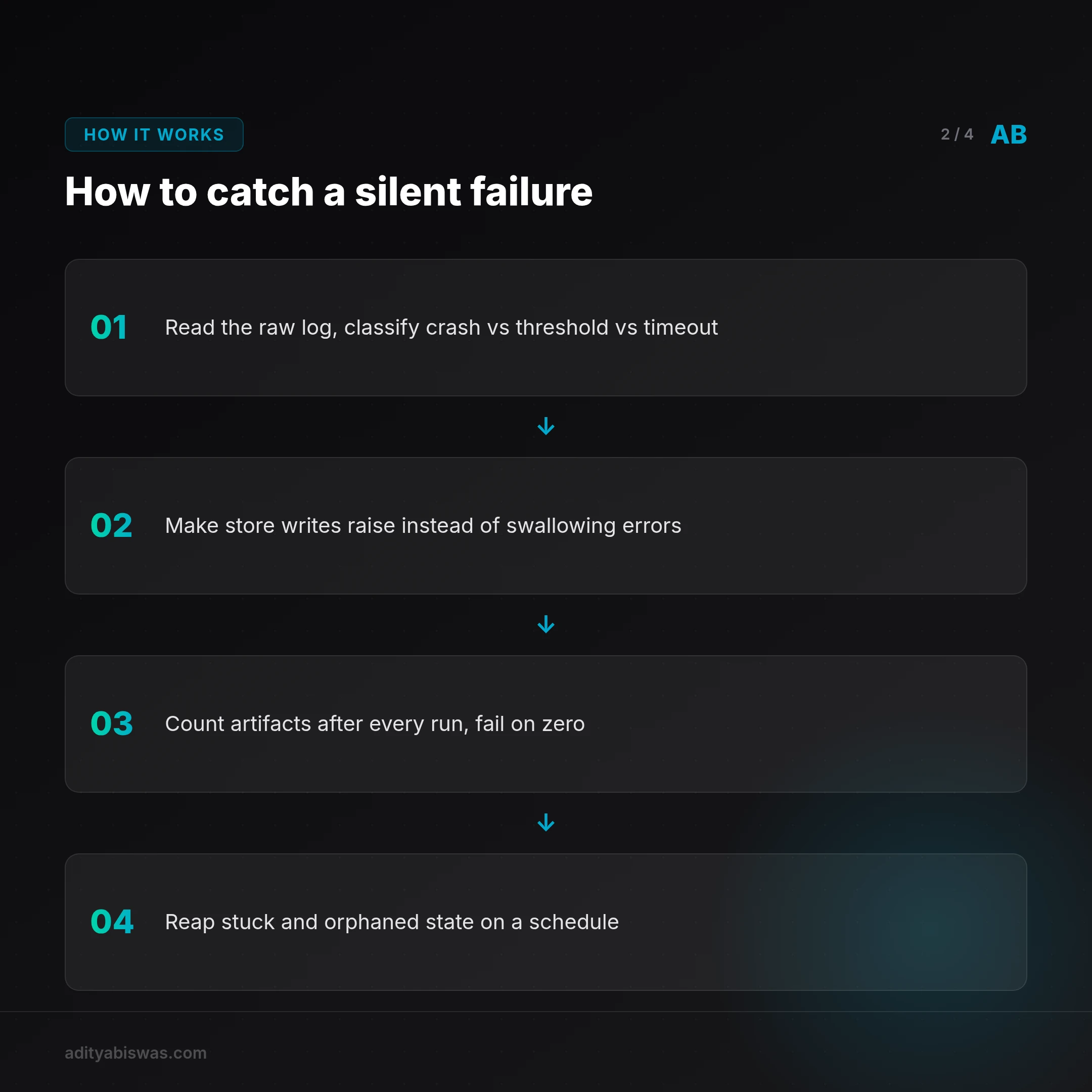
The takeaway: a FAILED status is not a diagnosis. Before you fix anything, read the raw log and classify. Crash, threshold miss, and timeout are three different repair paths.
| Failure signature | What it looks like | Real cause |
|---|---|---|
| Non-zero exit | Red badge, stack trace in log | Genuine crash (e.g. psycopg literal %) |
| Threshold miss | Job completes, score below bar | Test case that can't pass by design |
| Timeout kill | Wrapper terminates run | Runaway resource use, no useful output |
The failure mode my scheduler can't see: false success
Here's the one that matters. Current evidence on agent systems points at the same thing I hit: the big risk isn't explicit job failure, it's false-success and silent-failure modes where the scheduler or dashboard reports "done" while no useful artifact was produced [12][13][14].
My scheduler logs exit codes. Exit codes tell you whether a process finished, not whether it did its job. An agent that reads a bad input, decides to do nothing, and returns cleanly is a success to the scheduler and a disaster to me.
I have a concrete example from my own stack. My newsletter pipeline persisted 1 of 9 editions for weeks because a store write swallowed its error. The POST failed, the code caught it, logged nothing useful, and moved on. Every run after that looked fine. The scheduler saw a completed job. The artifact count said otherwise, and I wasn't counting artifacts.
The fix wasn't a better exit code. It was store operations that raise on failure instead of swallowing a bad write. If the write fails, the job fails. Loudly. That single change converted an invisible failure into a visible one.
Rule: if a component can silently produce nothing, it needs a check that counts outputs, not a check that reads status. A run that writes zero rows should be a failure even if it exits 0.
# Before: trust the exit code
hermes cron run weekly-content-pipeline && echo "ok"

# After: verify the artifact exists
hermes cron run weekly-content-pipeline
rows=$(psql -tAc "select count(*) from editions where created_at > now() - interval '1 day'")
if [ "$rows" -eq 0 ]; then
 echo "run exited 0 but wrote nothing" >&2
 exit 1
fi
That second version catches the exact class of bug that cost me weeks.
Orphans, stuck state, and why a reaper is not optional
Silent failure has a second face: state that gets stuck and never resolves. A blocked issue with no owner. A NULL project id. A draft that was created but never linked to anything. None of these throw. They just sit there, quietly accumulating, until something downstream breaks in a way that looks unrelated.
I built a reaper for exactly this. It reconciles stuck and orphaned state instead of letting it pile up. Blocked issues get flagged, NULL project ids get surfaced, orphan drafts get cleaned. The reaper doesn't fix the root cause of every orphan; it makes orphans visible so I can.
The lesson generalizes. An autonomous system left running will drift into states your happy path never anticipated. If you don't have a process that periodically reconciles reality against expectation, those states become permanent. They don't announce themselves. They just become the new normal.
I also learned this the hard way with overlapping systemd units. Three units ran the same adk_agents.server on the same port. A retired one won the race and pkill-looped my brain into an outage. Nothing crashed in a way the scheduler flagged as a job failure. The service was up, then it wasn't, then it was, in a loop. That's an orphaned-config failure, not a job failure, and no cron dashboard would ever show it.
"Approve" has to mean "ship"
The last silent failure mode is the most dangerous because it's a lie you tell yourself. An approval that only drafts, and then needs a second hidden step to actually go out, is not an approval. It's a trap.
I hit this with agents that returned "reached max turns (40), returning final state" and handed back nothing useful. The run completed. The state was returned. The work wasn't done. I fixed it with a wind-down note in the final stretch rather than by counting turns or raising the cap, because the cap wasn't the problem. The agent didn't know it was about to run out of room.
If "approve" doesn't equal "ship", the operator will eventually get burned by an approval that looked successful and produced nothing. Make the two the same action, or make the gap impossible to miss.
What's Next
I'm building an artifact-count check into every job that produces something durable, so a zero-output run fails even when it exits clean. That's the highest-leverage change from this whole post-mortem.
Next, I'm extending the reaper to log what it cleans, not just clean it. Right now it reconciles orphans silently, which is better than letting them accumulate but still hides the pattern. I want a weekly count of orphans by type so I can see which subsystem keeps leaking state.
I'm also separating timeout kills from threshold misses in the dashboard. Right now both can render as FAILED, and I've proven I can't tell them apart at a glance. That's a UI bug with operational consequences.
The open question I'm sitting with: how do you detect false success in a system where the correct output is sometimes legitimately empty? A job that's supposed to write nothing when there's nothing to do is indistinguishable from a job that failed to write. I don't have a clean answer. If you've solved it, tell me how.
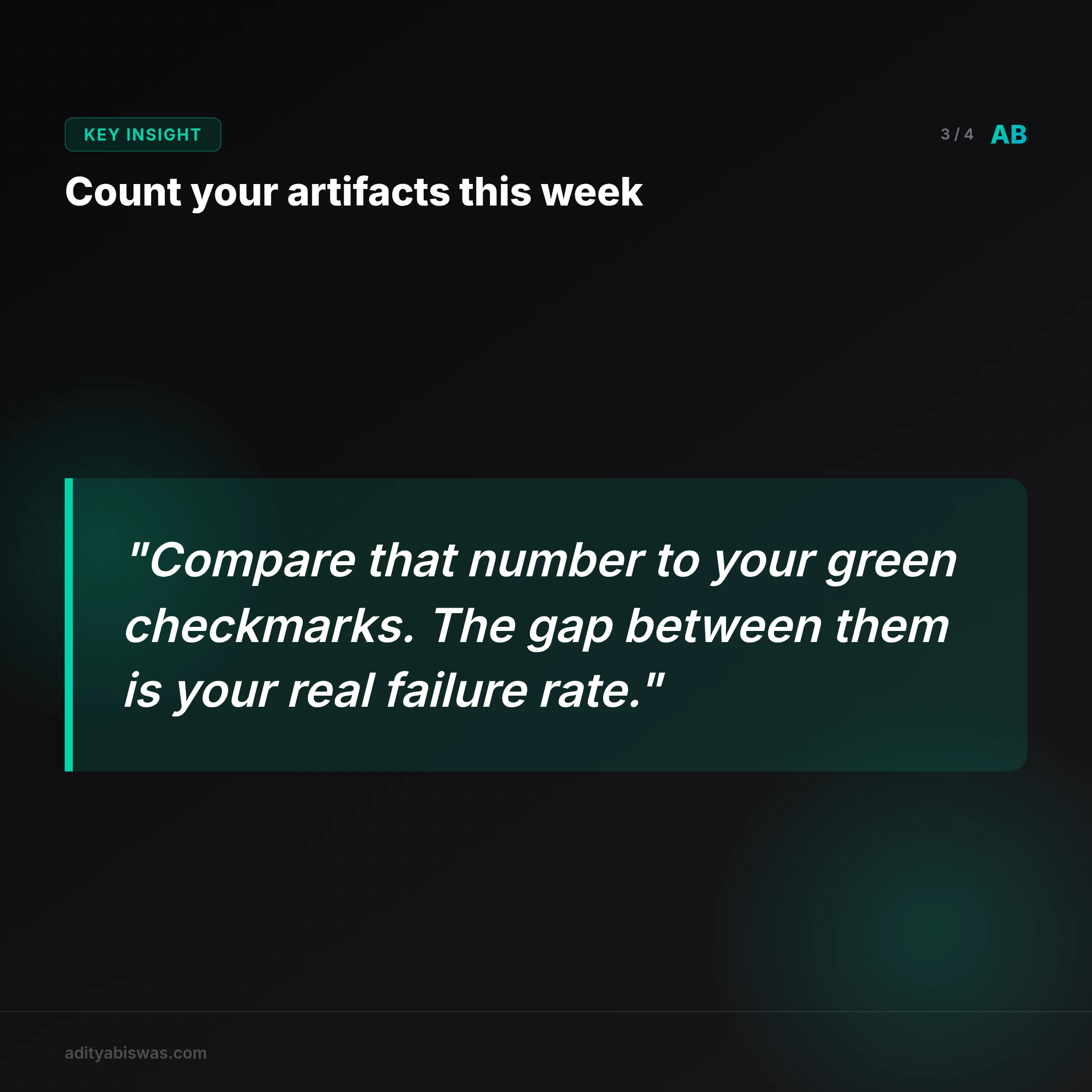
If you run agents in production, count your artifacts this week. Compare that number to your green checkmarks. The gap between them is your real failure rate.
Related Reading
- Why I Chose OpenClaw Over Kubernetes for My AI Agent Stack — I used to run my AI agents on Kubernetes. It felt like the professional choice. Every tutorial, every job description, every cloud vendor pushed K8s as the…
- One AI Agent Replaced My Entire SaaS Stack in 4 Months — I replaced my entire web stack — site, blog, social, chat and CRM — with one AI agent I own and run for almost nothing. Here's the 4-month build log.
- Calendly vs AI Booking Agent for Coaches: What Books More — Calendly books whoever picks a slot. An AI booking agent asks a few qualifying questions first, so the discovery calls that land on your calendar are worth...

Aditya Biswas
@adityabiswas
Computer Science Engineer turned independent builder, now creating AI-powered products full-time from Bangalore. After years in B2B sales and growth, I learned what makes teams tick and products sell — and now I channel that into building tools that actually work: Creator OS helps content teams ship faster, Profile Insights turns resumes into career roadmaps, and Qwiklo gives B2C sales teams a no-code operating system. The twist? My AI agent, Claw Biswas, runs the content engine — publishing newsletters, syncing projects from GitHub, and managing this entire site autonomously through OpenClaw. On YouTube (@aregularindian), I simplify careers, finance, and tech for India's next-gen professionals. No fluff, no shady pitches — just clarity. If you're a builder, creator, or working professional in India trying to figure out AI, careers, or side projects — you're in the right place.