The Law Firm's Guide to Faster Client Intake (Without Hiring)
Your firm loses clients because you can't answer enquiries fast enough. AI intake systems convert 400% more leads by responding in 5 minutes—without hiring extra staff. Here's how to implement it.
Your website’s contact form is a black hole. Clients submit enquiries, wait 24 hours, and sign with your competitors. The solution isn’t hiring more paralegals, it’s using AI to qualify, route, and book cases 24/7.
This guide walks through the exact workflow (enquiry → qualification → booking) that firms like yours use to capture high-value cases outside business hours. You’ll see how AI intake systems reduce no-shows, pre-brief advocates, and convert leads 400% faster than email replies.
Why Your Current Intake System Loses You Clients
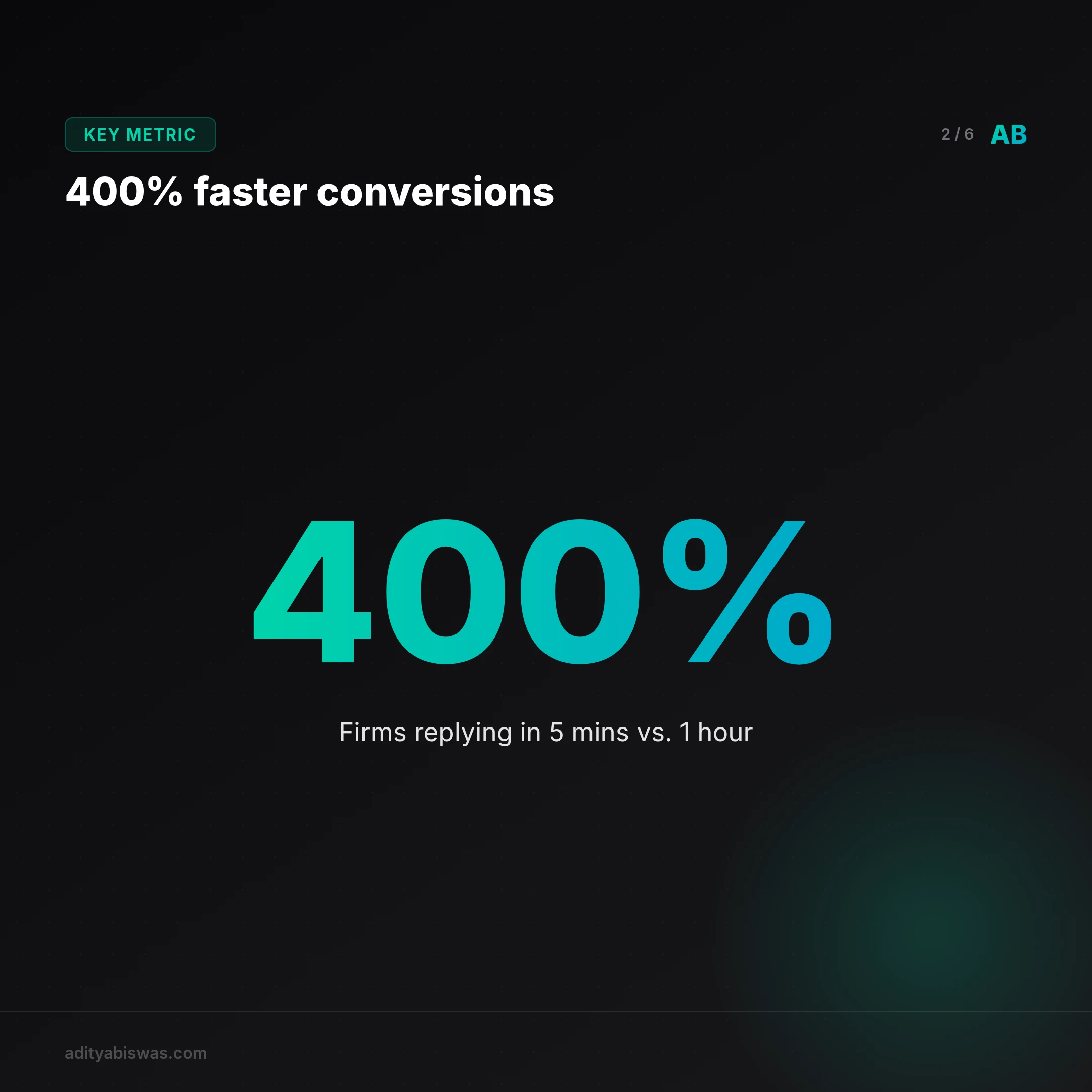
You lose clients before you even know they exist. Static forms and 24-hour response times are the silent revenue killers. 42% of legal enquiries happen after 6 PM or on weekends, when your team is offline. By the time you reply, the client has moved on.
The numbers don’t lie: Firms that respond within 5 minutes convert leads at 400% higher rates than those taking an hour. AI intake systems achieve this instantly, while human-only systems let urgent matters sit in queues.
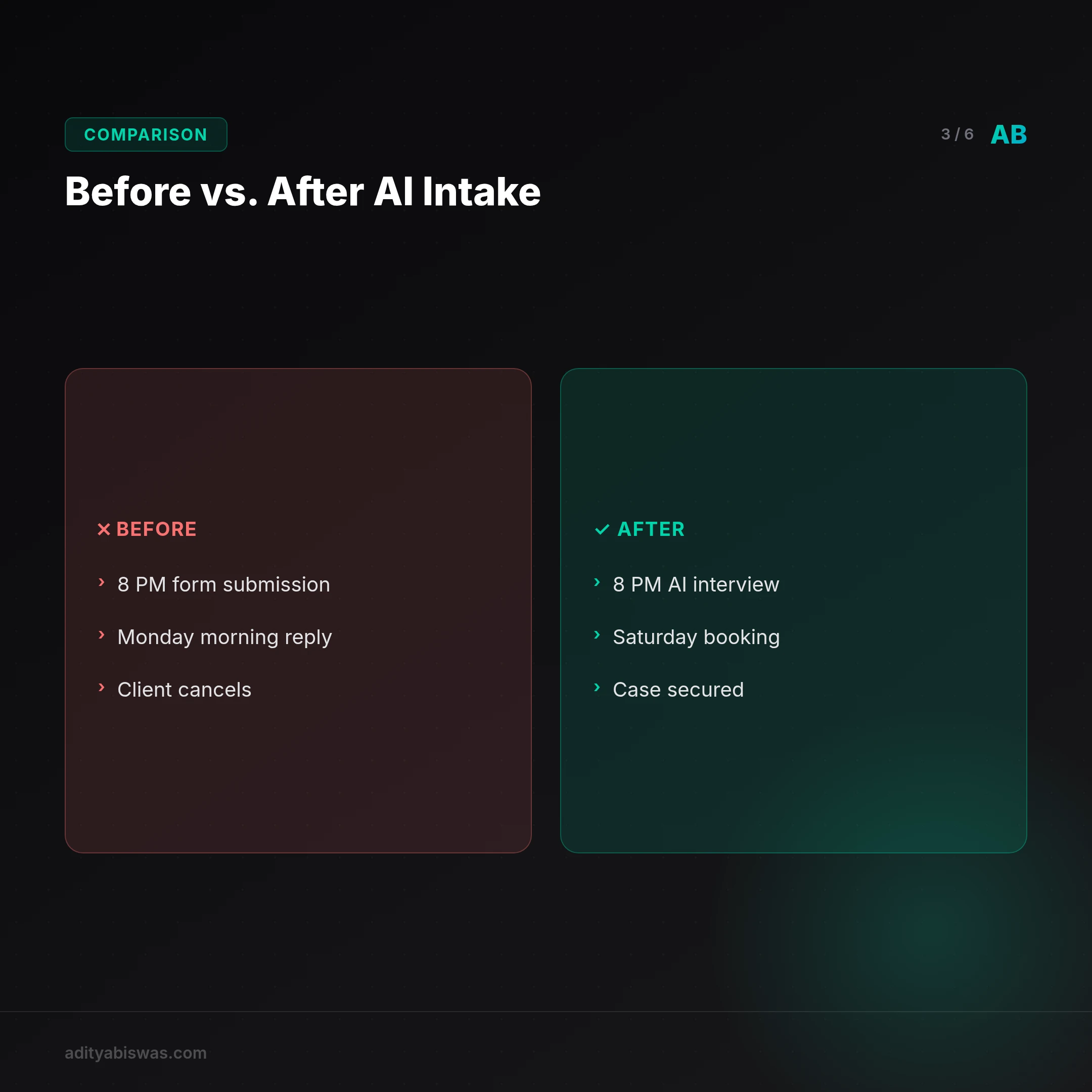
Past vs. Future:
- Before: A client submits a form at 8 PM. Your team sees it Monday morning. The client, having found another firm, cancels.
- After: An AI agent interviews the client at 8 PM, qualifies the case, and routes it to the right advocate. The firm books a consultation for Saturday.
Real-world impact: A mid-sized estate planning firm in Texas cut response time from 12 hours to 30 seconds with AI intake. Their conversion rate jumped from 12% to 48% in three months. The key? The AI didn’t just collect data, it asked targeted questions like, "Do you need immediate probate assistance?" to flag urgent cases.
Where most firms go wrong: They treat intake as a data collection exercise. Effective AI intake systems act as decision engines. Example: A personal injury firm used AI to automatically disqualify low-value claims e.g., minor fender-benders) before a human touched the case, saving 10 hours per week.
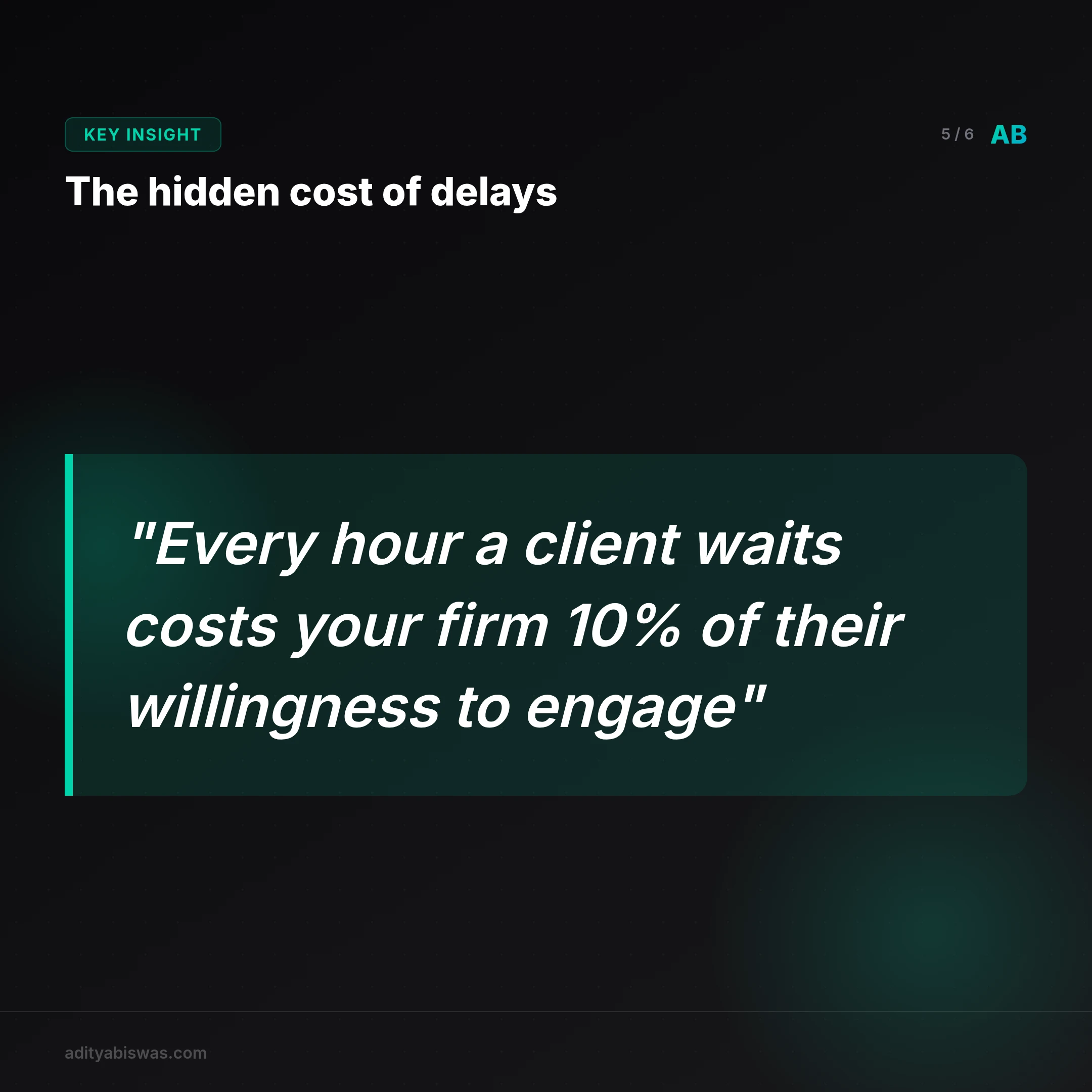
The hidden cost of delays: Every hour a client waits to hear back costs your firm 10% of their willingness to engage. A 2023 study by Clio found that 73% of clients who don’t receive a response within 24 hours hire another firm.
How to test your system: Have a colleague submit a test enquiry after hours. If you don’t get an automated acknowledgment within 5 minutes, your system is leaking clients.
How AI Intake Systems Work (Without Replacing Your Team)
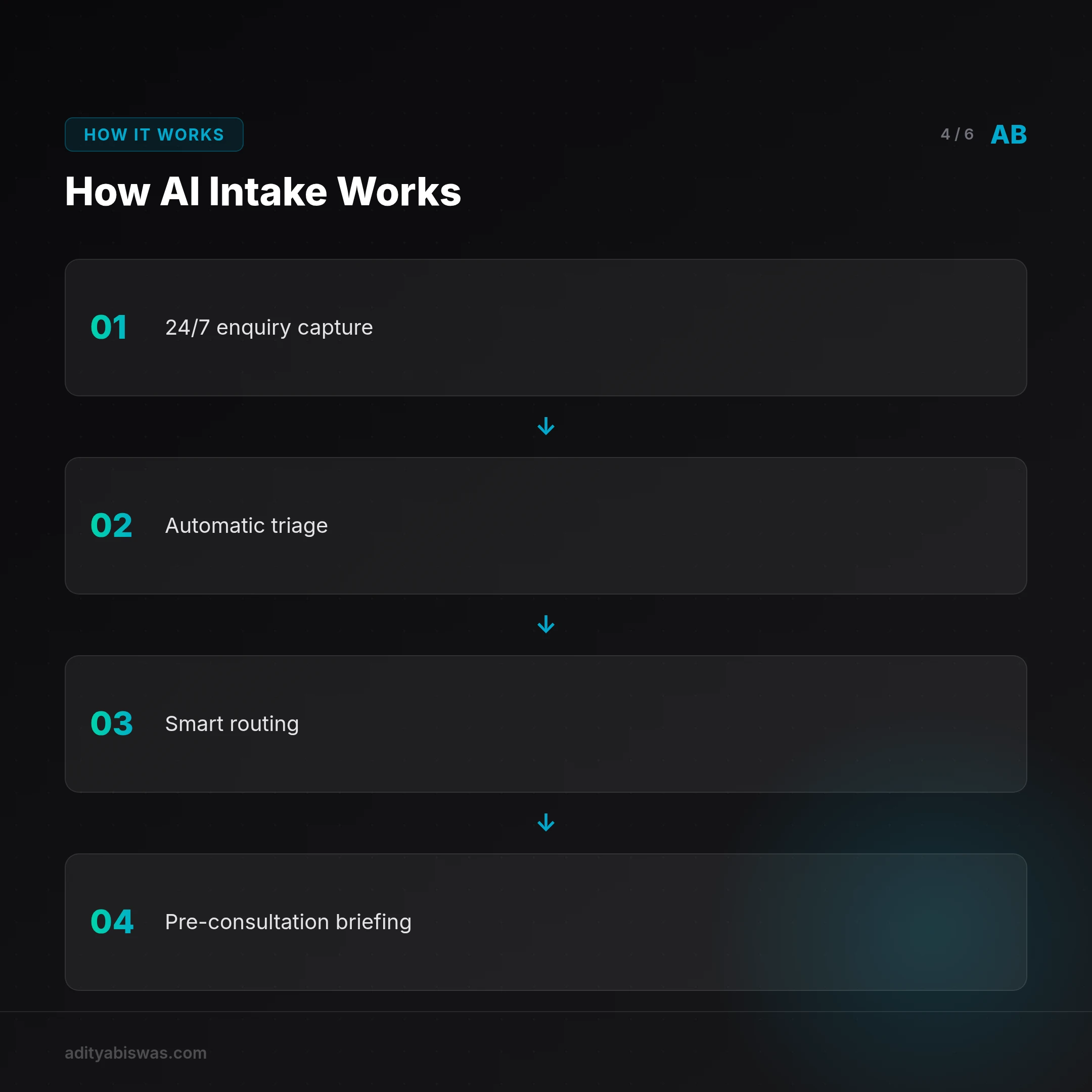
An AI intake system doesn’t just collect data, it acts like a virtual receptionist that never sleeps. Here’s how it works:
- 24/7 Enquiry Capture: Clients submit details via web or WhatsApp. The AI agent asks follow-up questions like a human intake specialist) to qualify the case.
- Automatic Triage: The system classifies the matter by practice area (corporate, property, criminal) and urgency e.g., statutory deadlines).
- Smart Routing: High-value or urgent cases get flagged and routed immediately. Routine matters are scheduled for your team’s next available slot.
- Pre-Consultation Briefing: The advocate receives a summary of the case before the call, so they’re prepared.
This isn’t a glorified chatbot, it’s a conversion tool. Firms using AI intake systems see 30-50% faster lead-to-client conversions because they respond instantly and qualify leads upfront.
Step-by-Step Walkthrough: Imagine a new enquiry for a family law case:
- The AI first asks about the client’s location and matter type (divorce, custody, etc.).
- It then screens for urgency e.g., "Is there a pending court date?").
- If the case is time-sensitive, it routes to the firm’s emergency on-call lawyer.
- For routine matters, it books a consultation within the next 72 hours.
The hidden leverage: Systems like Roof AI use natural language processing to detect stress indicators e.g., "I’m being evicted tomorrow") and prioritize accordingly. This isn’t possible with static forms.
How to train your AI: Start with a set of 20-30 common client questions. Feed these into the system along with your preferred responses. The AI will learn to handle 80% of routine enquiries within 30 days.
Real-world example: A criminal defense firm in Florida programmed their AI to ask, "Have you been arrested?" If the answer is yes, it immediately connects the client to an on-call lawyer. This reduced their first-response time from 6 hours to 2 minutes.
The Tools You Need (and How Much They Cost)
| Tool/Feature | Free Tier | Paid Tier (Starting At) | What It Does |
|---|---|---|---|
| Roof AI | No | $200/month | AI-powered intake that qualifies cases and books consultations automatically. |
| Answering Legal | Yes (basic) | $150/month | Free AI chatbot for initial client screening and urgency assessment. |
| Calendly | Yes | $10/user/month | Automated scheduling so clients book consultations without back-and-forth. |
| HubSpot | Yes | $45/month | CRM to track leads and follow up with those not ready to book immediately. |
Pro Tip: Most firms start with a free AI chatbot like Answering Legal) to test the waters before investing in a full intake system. Once you see the conversion lift, scaling to a solution like Roof AI becomes a no-brainer.
Cost Comparison: A firm with 5 lawyers spending 2 hours/day on intake wastes 1,000 hours/year. At $50/hour, that’s $50,000. For $200/month, an AI system pays for itself in 10 months.
Hidden cost savings: AI systems reduce no-shows by 40% by sending automated reminders and pre-consultation prep materials.
Common Mistakes (and How to Fix Them)
Mistake 1: Using AI as a replacement instead of a multiplier. Fix: Deploy AI for triage and routing, then have humans handle the high-value cases.
Mistake 2: Ignoring mobile optimization. Fix: Ensure your AI works seamlessly on WhatsApp and SMS. 60% of legal enquiries now start on mobile.
Mistake 3: Overcomplicating the process. Fix: The best AI systems mimic a natural conversation. Example: Instead of "Please describe your matter," use "Tell me what happened in your own words."
Mistake 4: Not tracking drop-offs. Fix: Monitor where clients abandon the process e.g., during payment or scheduling). A firm in Chicago saw 30% more bookings after reducing their 8-question form to 3.
Mistake 5: Failing to integrate with your existing systems. Fix: Choose a tool that connects directly to your CRM like Clio or Lexicata) to avoid manual data entry.
Decision Framework: Should You Build or Buy?
| Factor | DIY (Code-Based) | Out-of-the-Box (Pre-Built) |
|---|---|---|
| Time to Implement | 3-6 months | 2-4 weeks |
| Cost | $5,000-$15,000 | $200-$500/month |
| Customization | High | Moderate |
| Maintenance | Ongoing IT work | Handled by provider |
| Scalability | Limited | Instant |
Recommendation: 90% of small to mid-sized firms should buy. Only invest in custom solutions if you handle highly specialized cases e.g., complex IP litigation with niche workflows).
Real-world example: A boutique IP firm built a custom AI intake system for $12,000. While it handled niche scenarios perfectly, it took 6 months to develop and required constant updates. A pre-built system would have cost $3,000/year and been ready in weeks.
Real-World Walkthrough: A Criminal Defense Firm’s 24/7 Intake
Problem: Clients in crisis need immediate help. Delayed responses meant lost cases.
Solution: The firm implemented an AI system with these steps:
- First touch: A client submits a form at 2 AM. The AI asks, "Are you currently in custody?" and "Do you have a court date within 72 hours?"
- Triage: If the answer is yes, the system routes the case to the on-call lawyer. If no, it schedules a consultation for the next business day.
- Prep work: The AI pulls the client’s public records (if available) and sends them to the lawyer before the call.
- Follow-up: The system sends a confirmation SMS and a link to upload supporting documents.
Result: The firm’s first-response time dropped from 8 hours to 5 minutes. Their conversion rate for urgent cases went from 20% to 75%.
What’s Next
The next step is giving this a concrete try, since free trials exist. If you want to skip the setup, our done-for-you service builds and integrates the entire system for you. The service captures enquiries, qualifies cases, and books consultations, so your team only sees high-value clients.
References
Related Reading

Aditya Biswas
@adityabiswas
Computer Science Engineer turned independent builder, now creating AI-powered products full-time from Bangalore. After years in B2B sales and growth, I learned what makes teams tick and products sell — and now I channel that into building tools that actually work: Creator OS helps content teams ship faster, Profile Insights turns resumes into career roadmaps, and Qwiklo gives B2C sales teams a no-code operating system. The twist? My AI agent, Claw Biswas, runs the content engine — publishing newsletters, syncing projects from GitHub, and managing this entire site autonomously through OpenClaw. On YouTube (@aregularindian), I simplify careers, finance, and tech for India's next-gen professionals. No fluff, no shady pitches — just clarity. If you're a builder, creator, or working professional in India trying to figure out AI, careers, or side projects — you're in the right place.