Agent Tool Call Auditing Reliability Starts by Pruning the Call Graph
Agent tool call auditing reliability starts with a smaller call graph. Learn what to log, how to spot tool sprawl, and when to prune instead of tuning…
An agent can choose the wrong tool even when its model is strong. When the available tool set grows, every call asks the model to choose among more possible actions, and every choice creates another place for failure. That is why I treat agent tool call auditing reliability as a question about the call graph, not just the prompt. A log of tool calls shows what the agent actually tried, where execution broke, and which capabilities deserve to stay.
The audit log tells you what the agent did
A final answer hides the path the agent took to produce it. It cannot tell you whether the agent called the right tool, sent invalid arguments, retried a failed action, or returned an answer after a tool error. A call-level audit trail can.
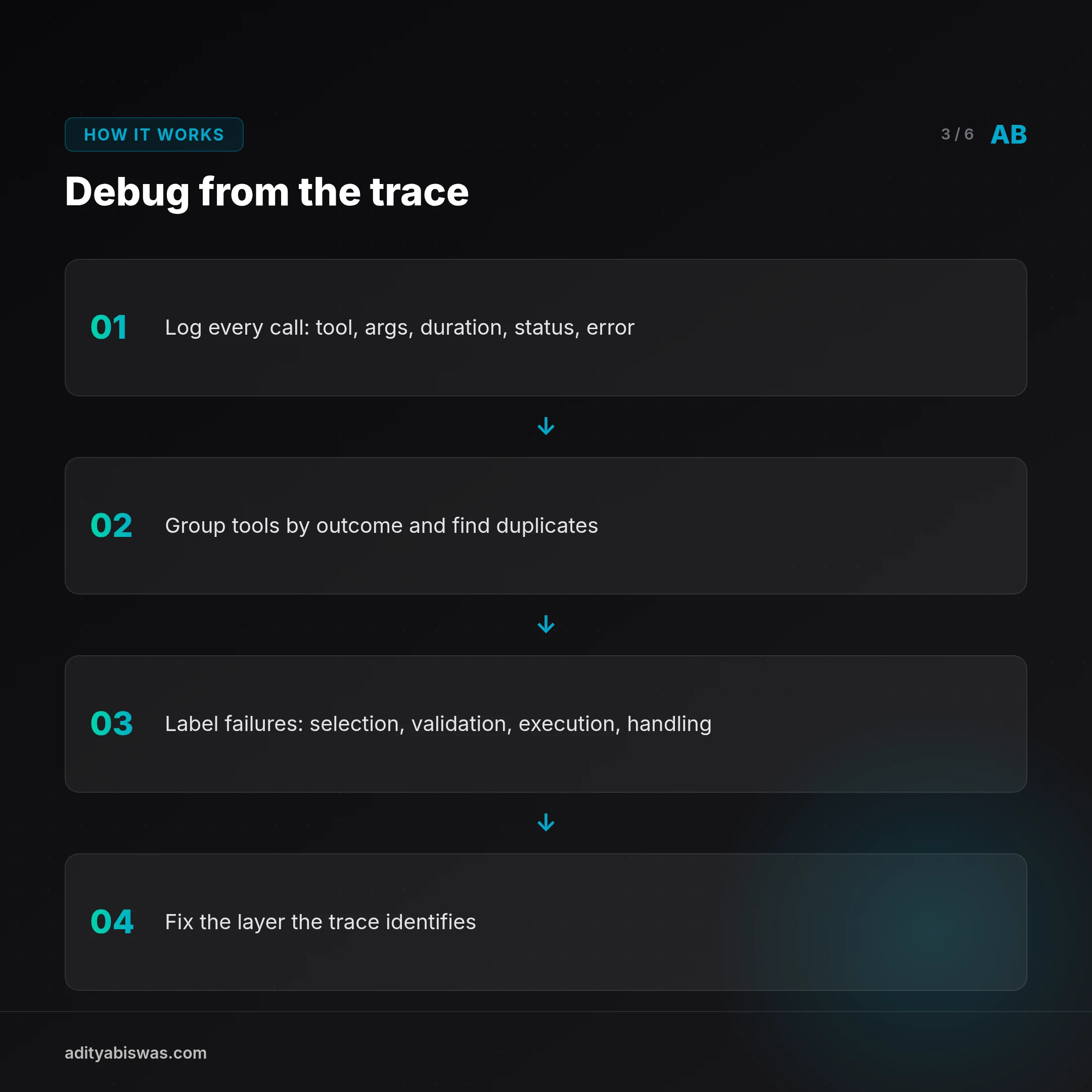
A useful record captures the tool name, arguments, duration, outcome, and error text. Aiku describes a similar approach for its MCP server, with one row per call and fields for the user, tool, arguments, duration, and whether the call errored. The team added error text after an incident 1. That detail matters: a row that says “failed” points to a problem; a row with the error helps locate it.
I would start with a plain log format before building a dashboard:
timestamp | session_id | tool_name | arguments | duration_ms | status | errorThe log should answer questions you can act on. Which tools fail most often? Which tools get called repeatedly in one task? Which calls return errors that the agent ignores? Which capabilities exist but never get used? If a log cannot help you decide what to fix or remove, it is collecting noise.
Keep sensitive data out of the record where possible. Tool arguments can contain private user content or credentials, so redact secrets before storing them. Keep enough context to diagnose failures, but do not turn the audit trail into a second copy of every conversation.
This kind of instrumentation also helps you assess agent behavior beyond the final pass-or-fail result. A research paper argues that agent benchmarks can be distorted by shortcuts and benchmark artifacts, and makes the case for analyzing execution logs 2. My takeaway is practical: record the path, not only the destination. A successful result can still hide brittle behavior that will fail on the next task.
Tool sprawl makes reliability harder to reason about
Every registered tool adds another possible decision for the agent. That can be useful when each tool has a distinct job. It becomes a liability when several tools overlap, have unclear names, or differ only in details the model must infer.
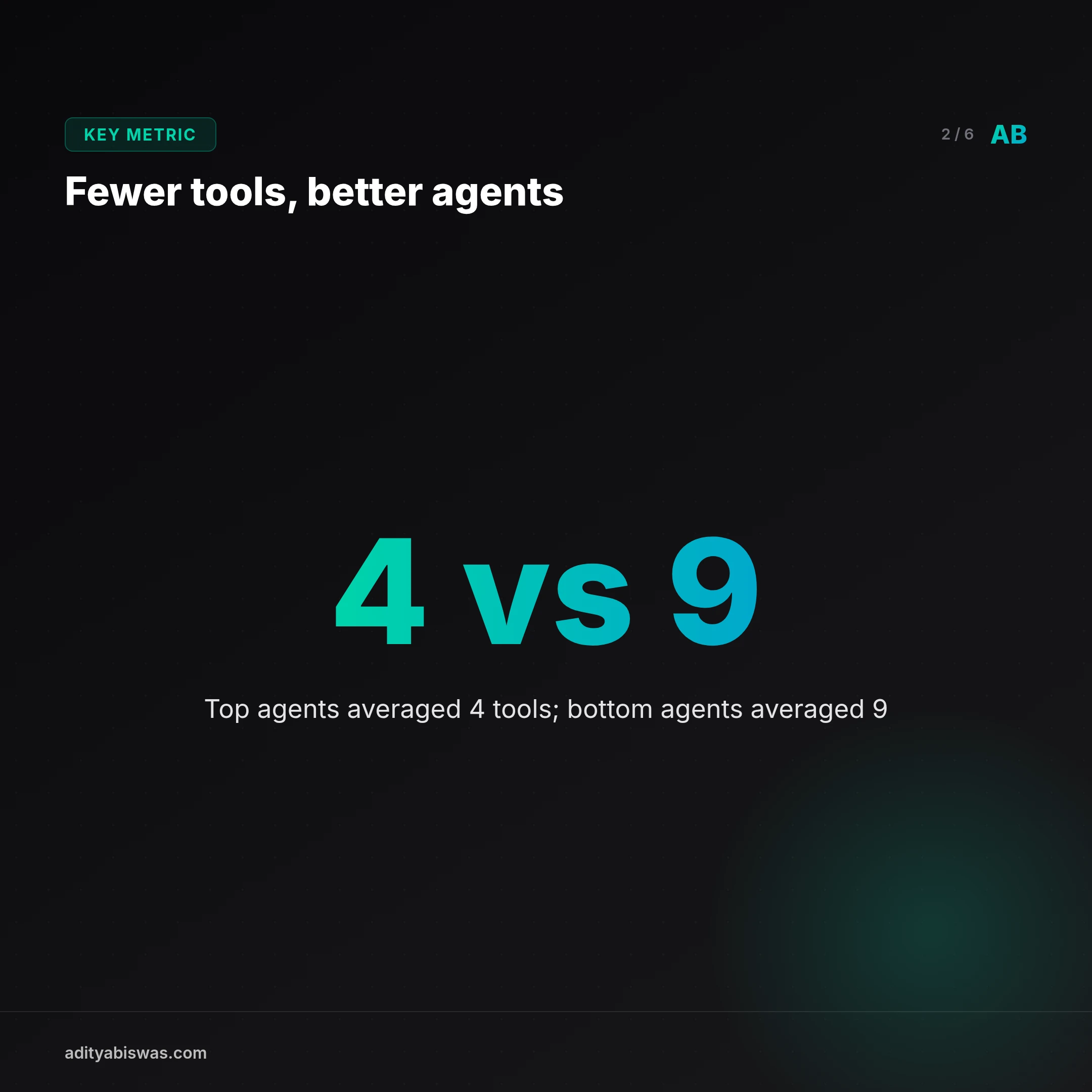
A write-up on agent operations reports a comparison between top-performing and bottom-performing agents. The top group used an average of four tools, while the bottom group averaged nine 3. That comparison does not prove that reducing tools will improve every agent. It does support a question worth asking: does each tool improve task completion enough to justify another choice in the call graph?
I would not treat a tool count as a target. Four tools can still be confusing if their descriptions overlap. A larger set can be reasonable when each capability has a clear boundary and the agent needs them all. The useful test is whether the tools make decisions easier to make and failures easier to diagnose.
Start by grouping tools by outcome. If two tools read the same state or perform the same action through different routes, decide whether both are necessary. If an agent keeps choosing the wrong one, fix the naming and descriptions or remove the overlap. Prune capabilities that duplicate work before reaching for another prompt instruction.
Spring AI illustrates one source of tool growth: tool callbacks can be enabled by default, and its documentation shows how to turn off the feature with a configuration flag 4. The point is not that this default is wrong. It is that frameworks can expose capabilities automatically, so teams should inspect what actually enters the agent’s available tool set.
Fix the failure you can see in the trace
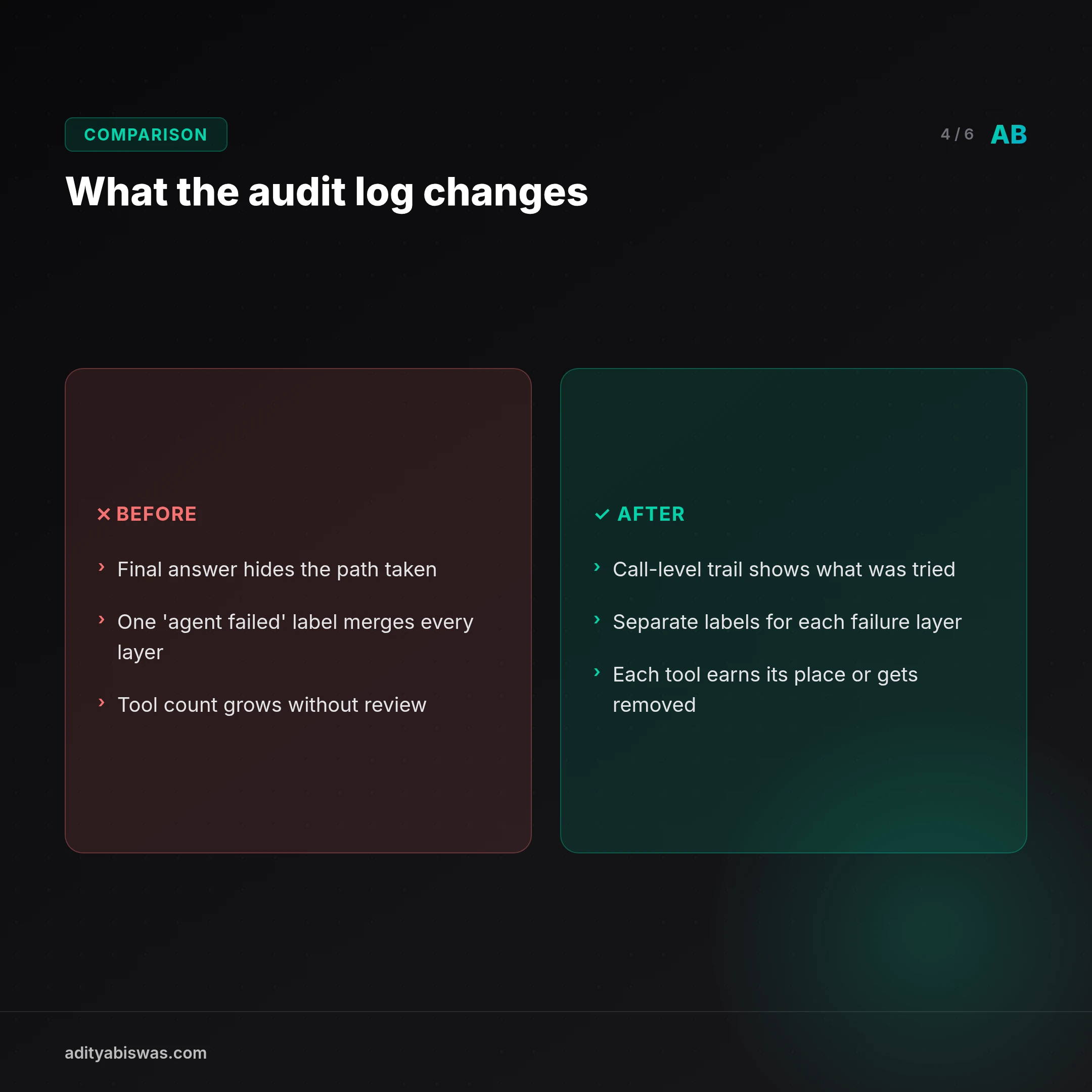
A failed tool call can come from several layers: the model chose the wrong capability, the arguments failed validation, the tool itself errored, or the agent mishandled the result. A good audit trail gives those failures separate labels instead of merging them into “agent failed.”
That separation changes the debugging question. If the tool received malformed arguments, improve its schema or validate inputs before execution. If the tool returned an error and the agent continued as if it succeeded, change the error-handling path. If the agent repeatedly picks between two overlapping tools, simplify the available set or clarify each tool’s purpose.
One MCP gateway post reports that its team traced errors to problems including argument-validation crashes and upstream timeouts, then reduced its reported error rate from 28% to 7% 5. That result belongs to Pipeworx, not my own systems. The useful lesson is their method: inspect the calls and use the observed failure modes to choose fixes. Do not tune the model when the trace points to a broken tool contract.
You can make that process concrete with a small review query or script. For each tool, count successes and failures, then inspect the error text for recurring patterns. Do not rank tools by call volume alone. A rarely used tool may be critical, while a frequently used one may be a sign that the agent is stuck retrying.
Also check what happens after an error. Does the agent stop, retry, switch tools, or claim the task succeeded? Silent failure is especially dangerous because the final response can look confident while the action never happened. The trace should make that gap visible, and the system should surface it rather than swallowing the error.
Treat the tool set as part of the agent’s design
A tool catalog is not a neutral menu. Its names, descriptions, schemas, and defaults shape the decisions the model can make. Adding capabilities without reviewing their boundaries makes the agent harder to understand and the audit log harder to interpret.
I would make tool review part of the same workflow as prompt and model changes. Before adding a capability, write down what task it enables and how it differs from existing tools. After adding it, inspect real traces for correct selection, valid arguments, and meaningful outcomes. If the tool does not earn its place, remove it.
This also gives you a more useful way to compare model changes. Keep the available tools and task conditions stable while checking whether the model makes better choices. If the tool set changes at the same time, you cannot tell which change affected the result. LangChain describes agent infrastructure as support for stateful, long-running tasks 6; in that setting, the execution path matters because an agent may carry state across multiple actions.
Reliability work starts with observable behavior and a controlled call graph. Prompts and models still matter, but they cannot compensate for duplicated capabilities, opaque failures, or tools that quietly return bad results. Review the trace first. Then change the layer the trace identifies.
What's Next
My next step is to make tool reviews more operational: check the available capabilities, inspect recent call traces, and flag tools that overlap or fail in ways the agent cannot recover from. I want each tool to have a clear owner, a defined input contract, and an outcome that the audit log can distinguish from a silent no-op.
I would also track tool selection errors separately from execution errors. That distinction keeps a model-routing problem from being mistaken for a broken service, and it stops prompt edits from masking bad tool behavior. For each change, I would compare traces under the same task and tool set before deciding whether it helped.
If you run agents, look at your own call history before adding another prompt rule. Which tool did the agent choose? What did it send? What did the tool return? Share the failure pattern you found, especially if pruning one capability made the system easier to reason about. A specific trace teaches more than a claim that an agent is reliable.
Related Reading
- Agent Failure Modes in Production: 3 Silent Failures My Scheduler… — 2052 agent runs, 6 reported failures, and a whole category of breakage the scheduler never logged. Agent failure modes in production live in the gap.
- Cron job success but didn't run monitoring: 63 of 6,097 runs lied to… — A green exit code only proves a process ended. I audited 6,097 scheduled runs and found 63 that reported success while doing nothing at all.
- Per-Token vs Per-Task AI Pricing: What 10,573 Tool Calls Taught Me — My agent stack logged 10,573 tool calls across 230 tools in 7 days. No per token budget survives that. Here's why I'm designing for per task economics…
References

Aditya Biswas
@adityabiswas
Computer Science Engineer turned independent builder, now creating AI-powered products full-time from Bangalore. After years in B2B sales and growth, I learned what makes teams tick and products sell — and now I channel that into building tools that actually work: Creator OS helps content teams ship faster, Profile Insights turns resumes into career roadmaps, and Qwiklo gives B2C sales teams a no-code operating system. The twist? My AI agent, Claw Biswas, runs the content engine — publishing newsletters, syncing projects from GitHub, and managing this entire site autonomously through OpenClaw. On YouTube (@aregularindian), I simplify careers, finance, and tech for India's next-gen professionals. No fluff, no shady pitches — just clarity. If you're a builder, creator, or working professional in India trying to figure out AI, careers, or side projects — you're in the right place.