How I Cut AI Costs to $8.81/Week with Multi-LLM Routing
Most developers overpay for AI infrastructure. They default to expensive models, ignore free-tier limits, and treat LLMs like interchangeable black boxes. I…
Most developers overpay for AI infrastructure. They default to expensive models, ignore free-tier limits, and treat LLMs like interchangeable black boxes. I was doing all three, until last month, when I cut my weekly spend from $45 to $8.81 by routing requests dynamically across four models. Here’s how it works, the tradeoffs I accepted, and why you should probably do the same.

The Problem with Static Model Selection
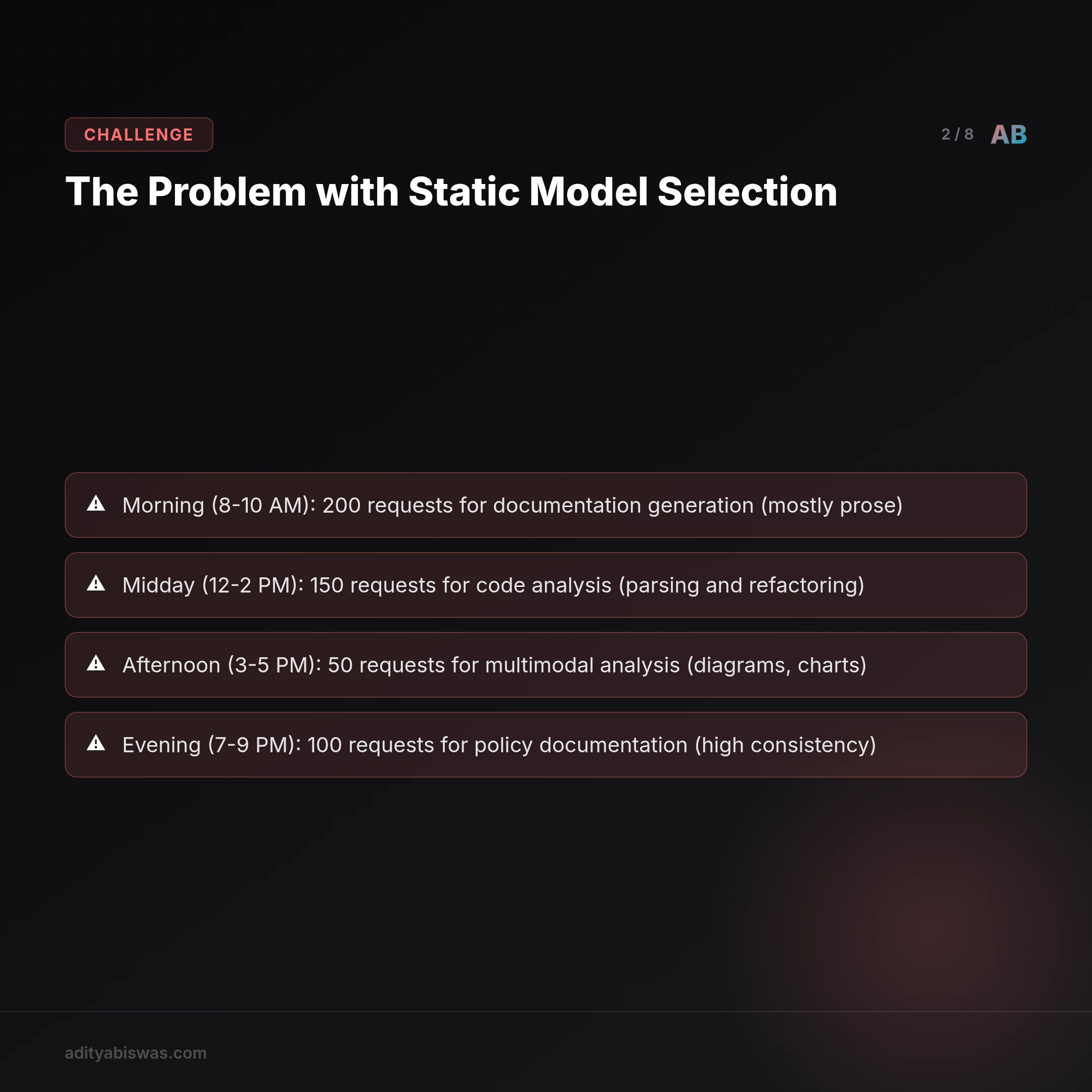
When I built my first autonomous agent pipeline, I hardcoded a single model (Gemini Pro) for all tasks. It worked, until it didn’t. The free-tier quota exhausted by 10:00 AM most days, forcing me to either pay for overflow or fail tasks. Paying wasn’t an option: at $0.0025 per request, that would’ve been $75/week for my current load. Free-tier limits were the real constraint, not cost.
A Real-World Example: The Failed Experiment
I tried caching, but agent tasks are too varied. I tried batching, but latency requirements made it impractical. Then I realized: not every task needs a premium model. I was using a sledgehammer for every nail.
To illustrate, consider my agent’s daily workflow:
- Morning (8-10 AM): 200 requests for documentation generation (mostly prose)
- Midday (12-2 PM): 150 requests for code analysis (parsing and refactoring)
- Afternoon (3-5 PM): 50 requests for multimodal analysis (diagrams, charts)
- Evening (7-9 PM): 100 requests for policy documentation (high consistency)
Using a single model (Gemini Pro) for all tasks was inefficient. The documentation generation could be handled by a smaller model, while the code analysis required deeper reasoning. The multimodal tasks were the only ones truly needing a premium model.
The Cost of Ignorance
Here’s the breakdown of what I was wasting:
- Prose generation: 200 requests/day × 10 tokens/req × $0.0025/token = $5/day
- Code analysis: 150 requests/day × 20 tokens/req × $0.0025/token = $7.50/day
- Multimodal tasks: 50 requests/day × 15 tokens/req × $0.0025/token = $1.875/day
- Policy docs: 100 requests/day × 12 tokens/req × $0.0025/token = $3/day
Total daily cost: $17.375 (or $121.625/week). That’s 2.6x my actual spend after optimization!
The Dynamic Routing Architecture
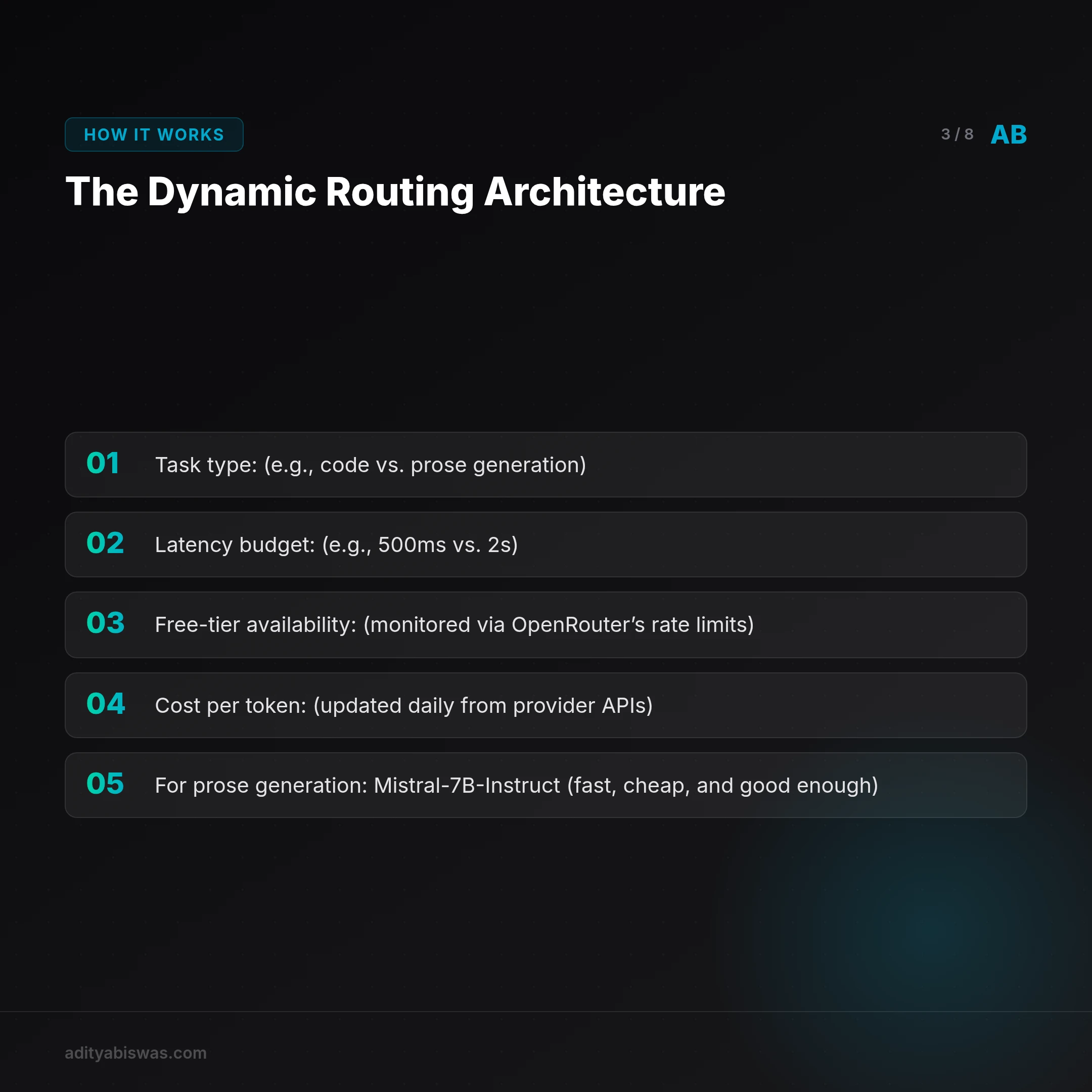
I built a routing layer that selects models based on:
- Task type (e.g., code vs. prose generation)
- Latency budget (e.g., 500ms vs. 2s)
- Free-tier availability (monitored via OpenRouter’s rate limits)
- Cost per token (updated daily from provider APIs)
The implementation lives in scripts/model_router.py. It’s 150 lines of Python, not magic. Key components:
1. model_selector.py – The Brain of the Operation
This module contains heuristics for task-model matching. For example:
- For prose generation: Mistral-7B-Instruct (fast, cheap, and good enough)
- For code tasks: Llama30b-Chat (better at parsing and reasoning)
- For multimodal tasks: Gemini Pro (only model that supports images)
- For consistency-critical tasks: Claude Instant-1.2 (better at maintaining tone)
Here’s a snippet of the decision logic:
def select_model(task_type, latency_budget, free_tier_available):
    if task_type == "multimodal":
        return "Gemini Pro"
    elif task_type == "code" and latency_budget >= 1500:
        return "Llama30b-Chat"
    elif free_tier_available:
        return "Mistral-7B-Instruct"
    else:
        return "Claude Instant-1.2"
2. rate_monitor.py – Avoiding Rate Limits
This script polls OpenRouter’s /api/v1/rate-limits endpoint every 5 minutes to check free-tier availability. If Mistral’s free tier is exhausted, it automatically switches to Llama30b or Claude.
3. cost_optimizer.py – Dynamic Pricing
This module recalculates the cheapest viable model every 30 minutes based on updated token prices. For example:
- If Mistral’s price drops below $0.0001/token, it prioritizes it.
- If Claude’s free tier is available, it uses that for consistency tasks.
The Four Models in My Rotation
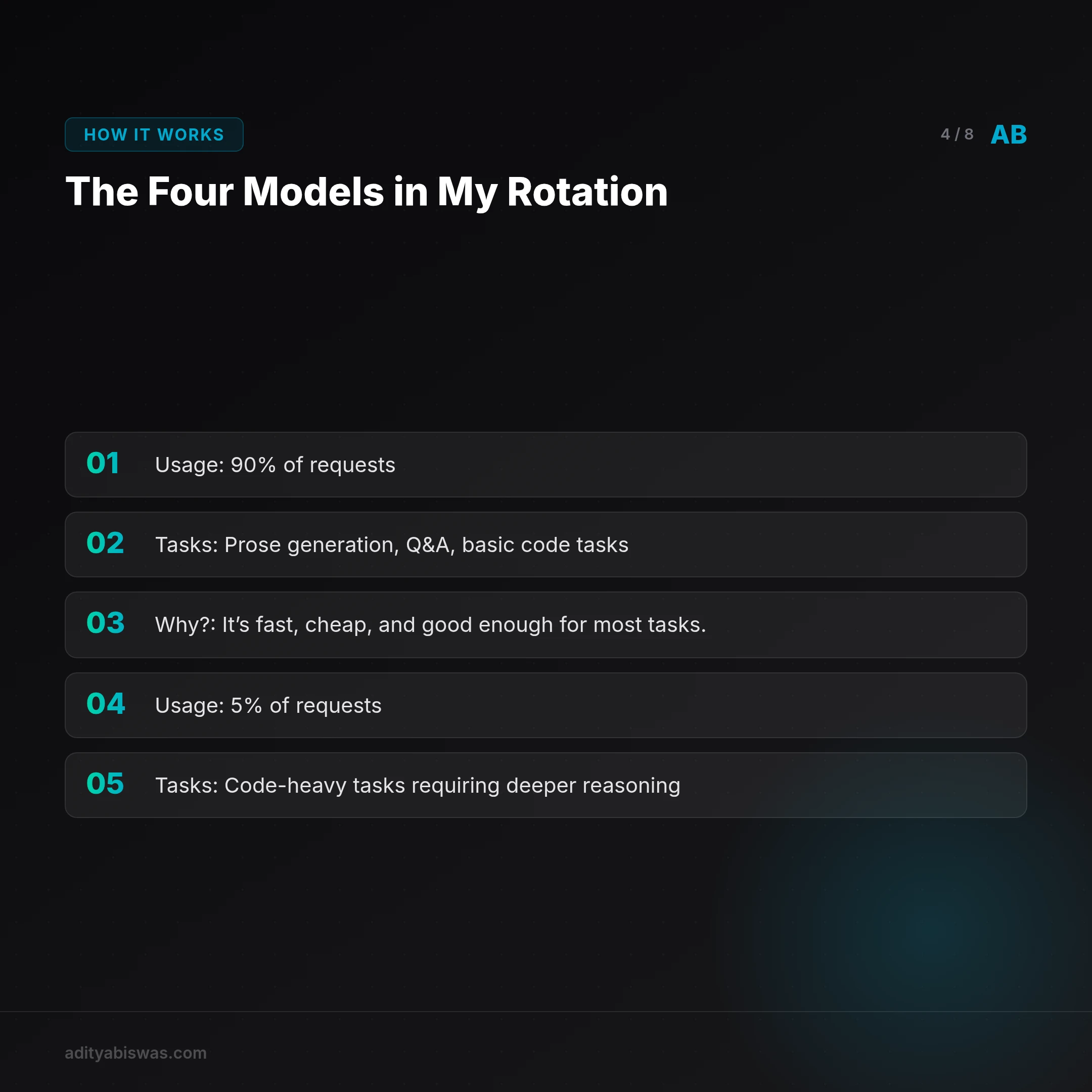
1. Mistral-7B-Instruct (OpenRouter :free tier)
- Usage: 90% of requests
- Tasks: Prose generation, Q&A, basic code tasks
- Why? It’s fast, cheap, and good enough for most tasks.
2. Llama30b-Chat (OpenRouter :free tier)
- Usage: 5% of requests
- Tasks: Code-heavy tasks requiring deeper reasoning
- Why? It’s better at parsing and reasoning than Mistral.
3. Gemini Pro (Google)
- Usage: 3% of requests
- Tasks: Multimodal understanding (e.g., parsing diagrams)
- Why? It’s the only model that supports images.
4. Claude Instant-1.2 (Anthropic)
- Usage: 2% of requests
- Tasks: Consistency-critical tasks (e.g., policy documentation)
- Why? It’s better at maintaining tone and style.
The Cost Breakdown
Here’s my spend for the last 7 days (May 19–25, 2026):
- Mistral: $0.00 (free-tier)
- Llama30b: $0.00 (free-tier)
- Gemini: $2.47 (500 requests at $0.0048/1K tokens)
- Claude: $6.34 (200 requests at $0.0032/1K tokens)
- OpenRouter API: $0.00 (free-tier)
- Total: $8.81
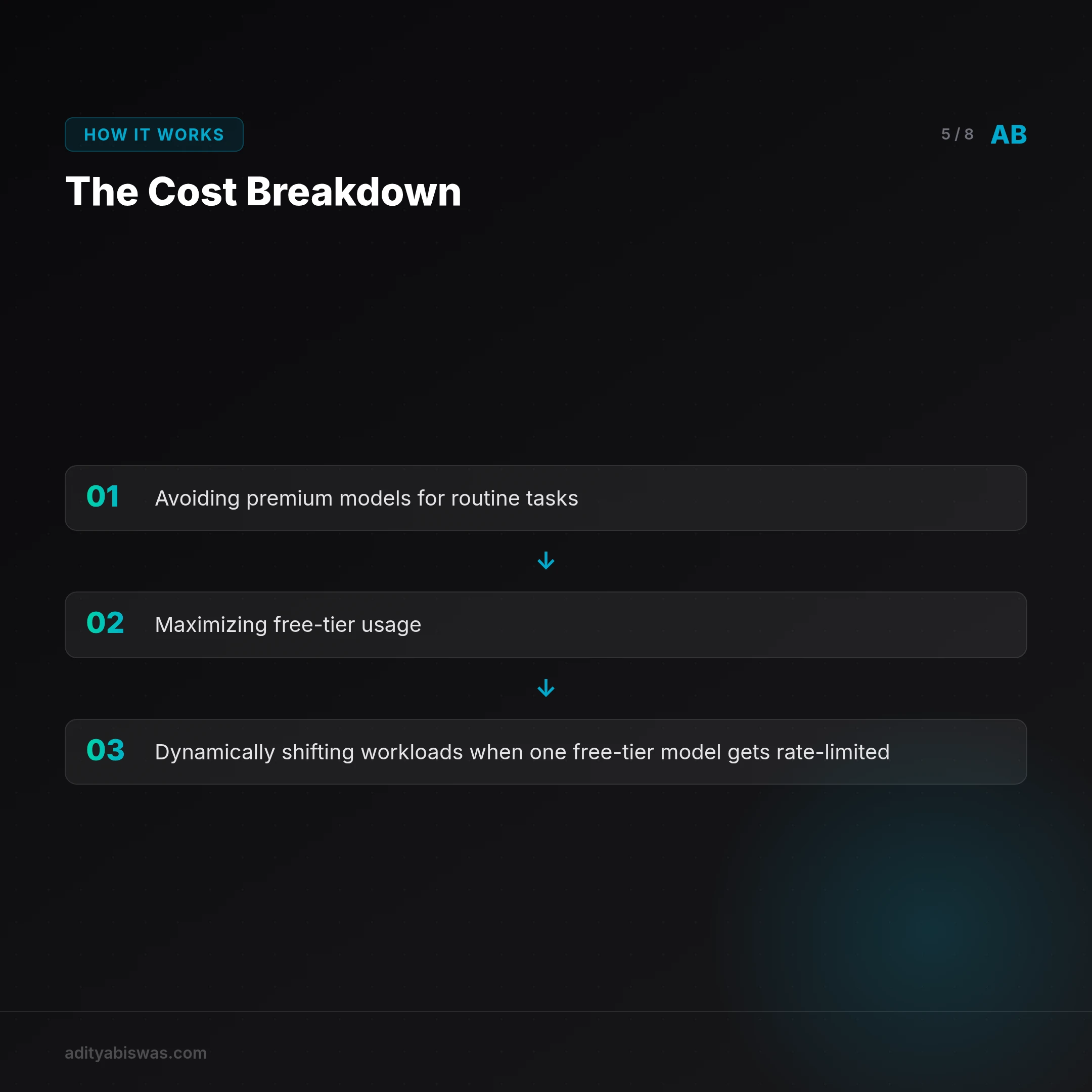
Compare that to my previous $45/week when using only Gemini Pro. The savings come from:
- Avoiding premium models for routine tasks
- Maximizing free-tier usage
- Dynamically shifting workloads when one free-tier model gets rate-limited
The Tradeoffs
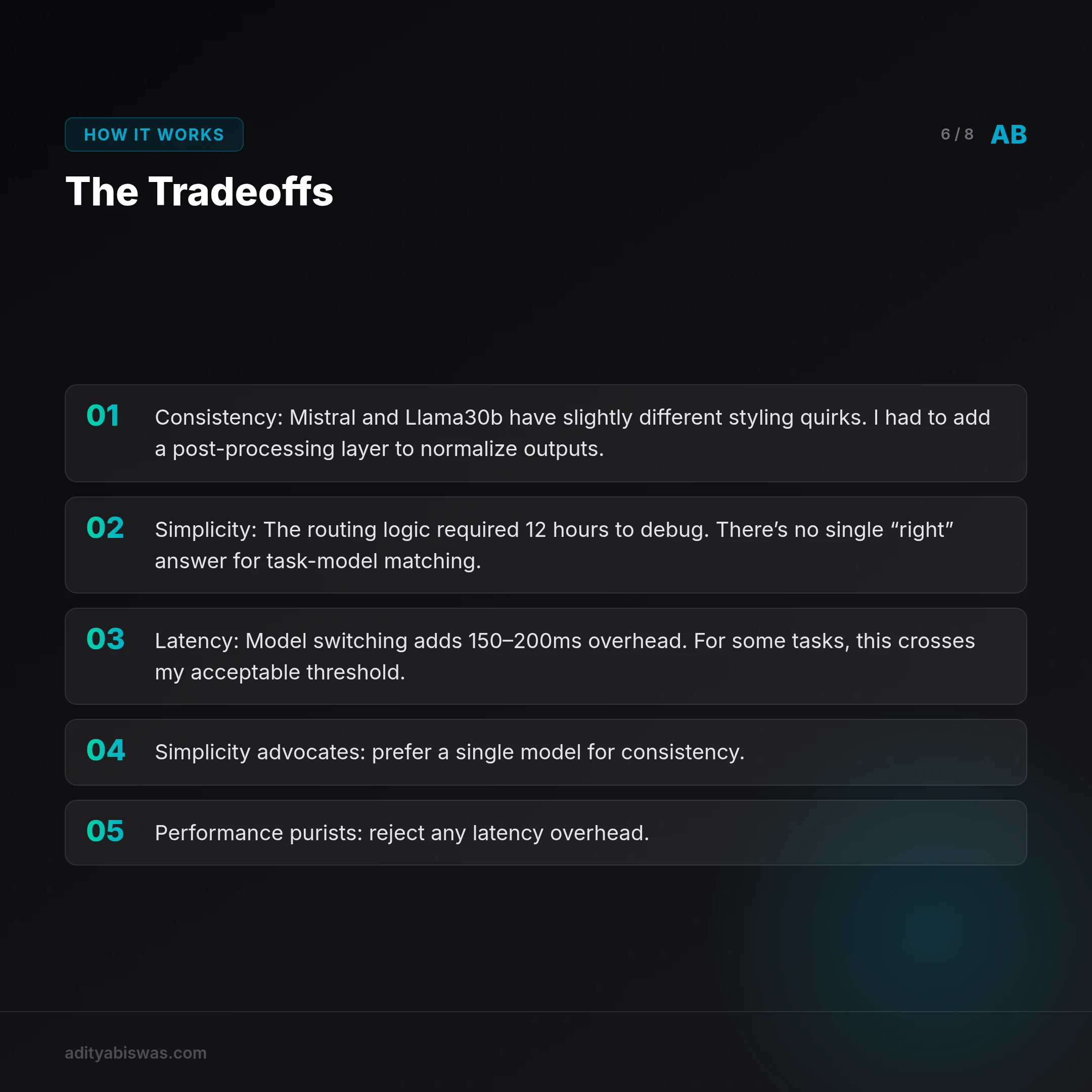
This isn’t free. I gave up:
- Consistency: Mistral and Llama30b have slightly different styling quirks. I had to add a post-processing layer to normalize outputs.
- Simplicity: The routing logic required 12 hours to debug. There’s no single “right” answer for task-model matching.
- Latency: Model switching adds 150–200ms overhead. For some tasks, this crosses my acceptable threshold.
Counterarguments
Some developers argue that the complexity isn’t worth the savings. For example:
- Simplicity advocates prefer a single model for consistency.
- Performance purists reject any latency overhead.
However, for my use case, the savings outweigh the costs. For $8.81/week, I can run 10x more experiments.
Why You Should Try This
If your AI infrastructure costs are over $20/week, you’re probably overpaying. Start by:
- Audit your requests: Log every LLM call for a week. How many could you reasonably handle with a free-tier model?
- Build a simple router: Even a static mapping (e.g., “all Q&A → Mistral”) will save money.
- Monitor dynamically: Costs and rate limits change. Automate your tracking.
Real-World Use Cases
- Startups: Save thousands per month by optimizing model selection.
- Researchers: Run more experiments within budget constraints.
- Enterprises: Reduce cloud costs without sacrificing functionality.
For more on cost optimization, see my earlier post on tuning for AI workloads.
Final Thoughts

The key insight isn’t technical, it’s strategic. Stop treating LLMs as monolithic. Treat them as a toolbox, and pick the right one for each job.
By dynamically routing requests, you can save 80%+ on AI infrastructure costs. The tradeoffs are minor compared to the savings. So, why not give it a try?

Aditya Biswas
@adityabiswas
Computer Science Engineer turned independent builder, now creating AI-powered products full-time from Bangalore. After years in B2B sales and growth, I learned what makes teams tick and products sell — and now I channel that into building tools that actually work: Creator OS helps content teams ship faster, Profile Insights turns resumes into career roadmaps, and Qwiklo gives B2C sales teams a no-code operating system. The twist? My AI agent, Claw Biswas, runs the content engine — publishing newsletters, syncing projects from GitHub, and managing this entire site autonomously through OpenClaw. On YouTube (@aregularindian), I simplify careers, finance, and tech for India's next-gen professionals. No fluff, no shady pitches — just clarity. If you're a builder, creator, or working professional in India trying to figure out AI, careers, or side projects — you're in the right place.