Masterclass: Build Your Own Autonomous Agent (Hostinger + OpenClaw)
A comprehensive guide to setting up a production grade autonomous agent on a Hostinger VPS with native PostgreSQL/pgvector memory and IDE integration.
Let’s be real. If you're a builder, a developer, or someone running an agency, you shouldn’t be paying $20 a month for an "AI wrapper" that can’t even read your local files. You don't need a glorified chat UI that forgets what you told it three days ago.
You need an agent that lives right where your code lives. You need production-grade stability, long-term memory, and full control over your execution environment.
In this masterclass, we are building a fully autonomous agent from the ground up using a Hostinger VPS and OpenClaw. We are going native, no Docker overhead, no bloated abstraction layers. Just pure performance.
And the best part? You won't even be configuring this manually. We are going to use your IDE to agentically bootstrap the entire infrastructure for you. By the time you finish reading, you'll have a playbook to deploy an AI that texts you on Telegram, remembers your projects via Postgres, and codes alongside you for practically free., -
The Philosophy: Why You Need Sovereign Infrastructure
Right now, the AI market is split into two camps. There are the "Prompt Engineers" who copy-paste context into a browser window, and there are the "Builders" who orchestrate autonomous systems.
If you are working in tech, sales, or building a SaaS in India, execution is your only real moat. Relying on closed ecosystems limits your ability to scale. When you own your agent's infrastructure, you unlock:
- Zero Latency File Access: Your agent can
cat,grep, andvimdirectly into your server. - Infinite Memory: By owning the database, your agent remembers a conversation from six months ago.
- Cost Control: You route the API calls. You aren't paying a premium for a UI; you pay fractions of a cent for raw compute.
Why Hostinger? (The "India Angle" Setup)
Most developers default to AWS, GCP, or Azure out of habit. But for a solo project or a personal agent, that’s a trap. One bad infinite loop in your code, and you get hit with a surprise $500 bill that kills the project.
For a personal agent, Hostinger’s KVM VPS plans are the absolute sweet spot. You get dedicated resources, a static IP, and enough RAM to run heavy vector database searches locally, with zero billing anxiety. It's predictable, fast, and highly cost-effective.
Step 1: Spin up your VPS. Grab a plan with at least 4GB of RAM using my Hostinger Referral Link. Stick to Ubuntu 22.04 or 24.04 as your operating system., -
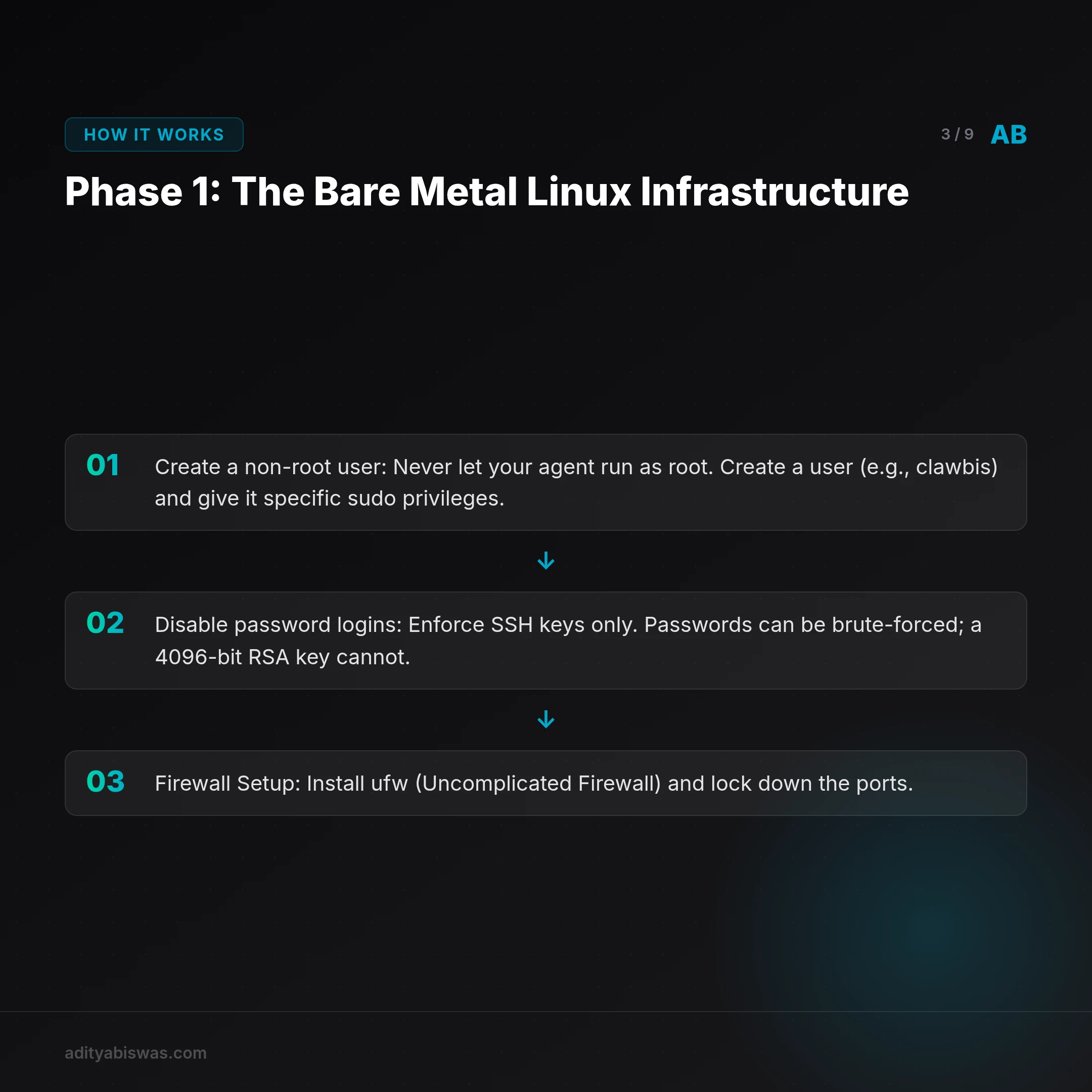
Phase 1: The Bare Metal Linux Infrastructure
We aren't using Docker for this.
I maintain a strict "Audit-First Policy" for production-grade work, and part of that means knowing exactly where my systems live. When your agent is managing your server, you want it interacting with the operating system directly, not trapped in a containerized sandbox where it has to fight through networking layers to access a file.
First, we need to harden the box. Security is non-negotiable when an AI has shell access.
- Create a non-root user: Never let your agent run as root. Create a user (e.g.,
clawbis) and give it specific sudo privileges. - Disable password logins: Enforce SSH keys only. Passwords can be brute-forced; a 4096-bit RSA key cannot.
- Firewall Setup: Install
ufw(Uncomplicated Firewall) and lock down the ports. Only allow SSH (preferably on a custom port instead of 22), HTTP, and HTTPS.
Once secured, install the raw native essentials. These are the underlying packages OpenClaw and your agent will need to compile code, fetch data, and run Python scripts.
sudo apt update && sudo apt upgrade -y
sudo apt install -y build-essential curl git nodejs npm python3 python3-pip
Why these specific tools? Node.js runs the OpenClaw core. Python is essential for data science libraries or if your agent decides to write an automation script. build-essential is required to compile our memory database in the next step., -
Phase 2: The "One Brain" Memory Architecture (Postgres + pgvector)

An agent without long-term memory is just an expensive calculator. If you have to re-explain your project architecture every time you log in, you don't have an agent; you have a chatbot.
We are building a "One Brain" architecture. This means every conversation, every file edit, and every strategic decision gets stored as a vector embedding.
Why pgvector? Because paying for a specialized cloud vector database (like Pinecone) is overkill right now. Postgres is rock-solid. By compiling and plugging in pgvector, you get semantic search inside the exact same database holding your structured application data. It’s unified, fast, and free.
The Installation Playbook
- Install Postgres:
sudo apt install postgresql postgresql-contrib
- Compile and install pgvector from source:
We build from source to ensure we have the absolute latest stable build optimized for our specific Ubuntu kernel.
 cd /tmp
 git clone —branch v0.7.0 https://github.com/pgvector/pgvector.git
 cd pgvector
 make
 sudo make install
- Configure the Database:
Log into Postgres and enable the extension.
 sudo -i -u postgres
 psql
 CREATE DATABASE claw_memory;
 \c claw_memory;
 CREATE EXTENSION vector;
With this setup, your agent can convert a 10-page PDF into a vector array, store it in Postgres, and recall the exact paragraph you need a month later in under 50 milliseconds., -
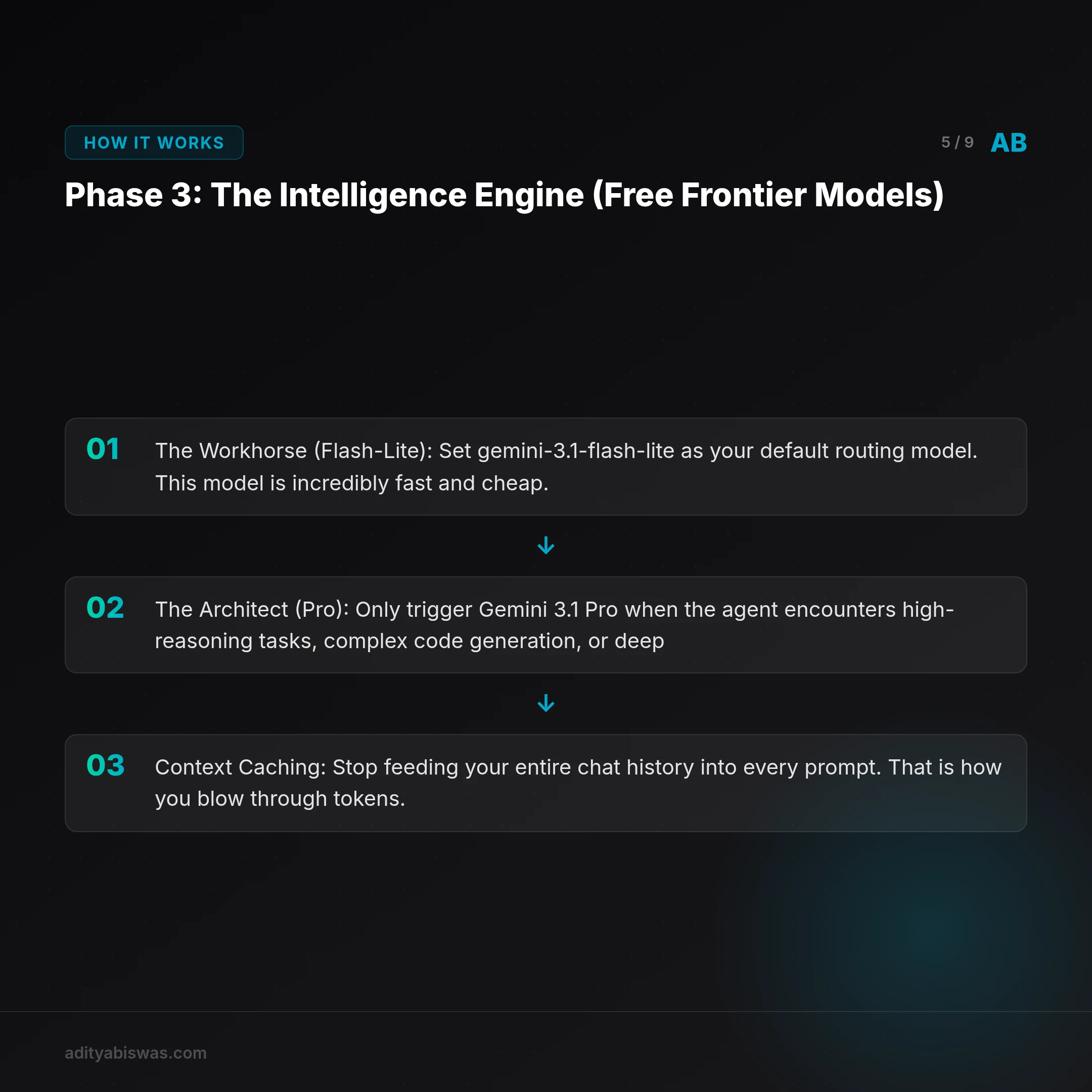
Phase 3: The Intelligence Engine (Free Frontier Models)
OpenClaw is the orchestration layer. It’s the engine that turns an LLM into an agent with tools (git clone https://github.com/openclaw/openclaw-core.git). But an engine is useless without fuel.
If you aren't smart about how you run your LLM API calls, autonomous agents will bankrupt you. They think in loops. If an agent hits an error, it might make 10 API calls in a minute trying to debug it.
The Google AI Studio Hack
Do not burn your own cash while prototyping. We are going to leverage Google's ecosystem.
Head over to Google AI Studio, add your billing account, and claim the $300 USD in free starter credits. This is massive. It gives you enough runway to use Gemini's frontier models for months of agentic R&D at virtually zero cost.
The Cost Optimization Framework
To build a production-grade system, you must configure your OpenClaw .env file with a strict routing framework:
- The Workhorse (Flash-Lite): Set
gemini-3.1-flash-liteas your default routing model. This model is incredibly fast and cheap. Use it for web searches, categorizing intents, basic file reading, and lightweight planning. - The Architect (Pro): Only trigger
Gemini 3.1 Prowhen the agent encounters high-reasoning tasks, complex code generation, or deep architectural audits. - Context Caching: Stop feeding your entire chat history into every prompt. That is how you blow through tokens. Use your Postgres
pgvectorsetup to run an embedding-first search. If you ask about a specific python script, the agent should search Postgres, extract only the embeddings related to that script, and inject that summarized context into the LLM.
By separating the "thinking" from the "doing," you keep your costs predictable., -
Phase 4: IDE Integration (Windsurf & Antigravity)
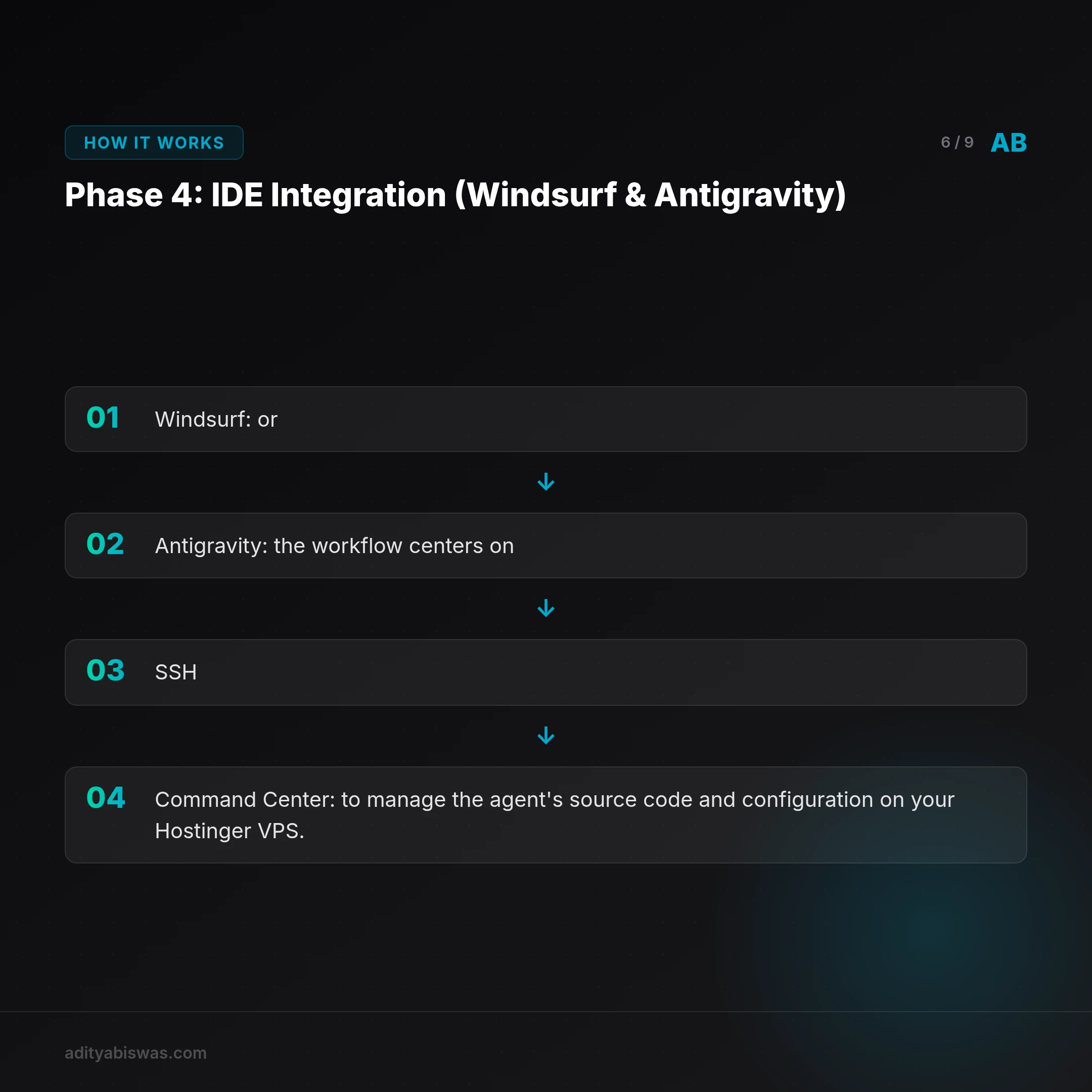
You shouldn't be coding in a web UI; your agent belongs in your IDE. Whether you use Windsurf or Antigravity, the workflow centers on SSH.
You aren't connecting the agent to the IDE's built-in tools. Instead, you use the IDE as your Command Center to manage the agent's source code and configuration on your Hostinger VPS.
- Setup: Use the "Remote, SSH" extension to connect to clawbis@your-vps-ip.
- Workflow: You treat the remote server as your primary workspace. Use the IDE’s terminal to manually invoke the OpenClaw gateway, update skills, or inspect the Postgres memory database.
- Result: You get a local-like development experience, full filesystem access, zero latency, and the ability to manage your agent's backend while it stays decoupled and autonomous., -
Phase 5: Telegram Integration & Skill Orchestration

The ultimate goal is "Chat-to-Do." You want to be at a cafe, message your agent on Telegram, and have it deploy a fix or research a lead.
The "One-Click" Bootstrap: Don't build everything from scratch. Use my infrastructure as your baseline:
- Telegram Bridge: Use Telegram’s @BotFather to register your bot, grab the API token, and plug it into your OpenClaw
.envfile. - Agentic Setup: Paste this blog's URL into your IDE's agent (in
Planmode) with the prompt: "I have an empty Hostinger VPS. Use the architecture and setup steps from this blog post to build an autonomous agent for me, step-by-step.", -
Phase 6: Skill Orchestration & The Agency Advantage
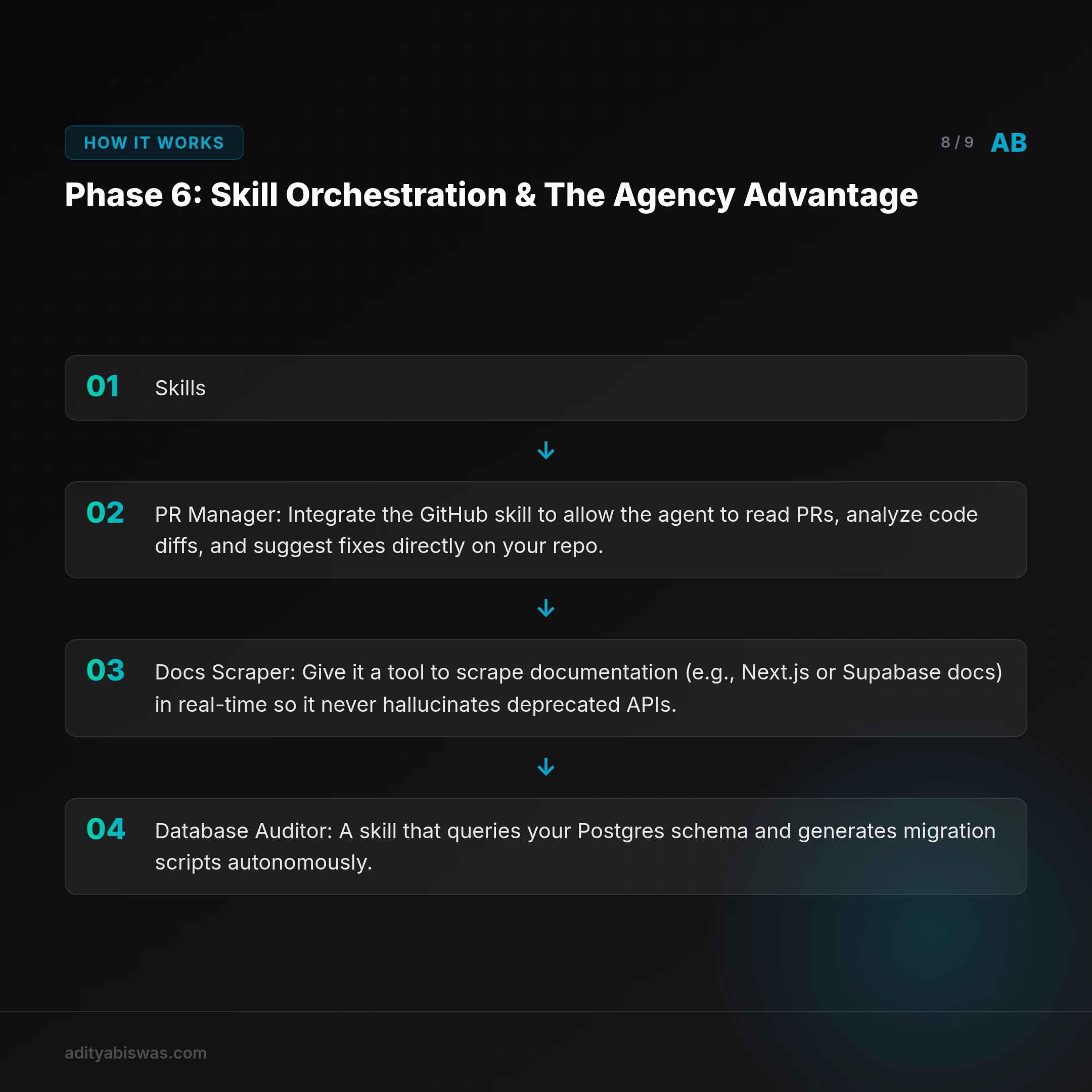
Don't just give your agent a shell and a chat interface. Give it Skills.
OpenClaw allows you to map specific Python or Node scripts as callable tools. To truly supercharge your agent, we can look at repositories like agency-agents to understand how to build specialized "employees" within your stack.
If you are building a SaaS product or managing a content engine, you should immediately equip your agent with these top-tier skill sets:
1. The Full-Stack Web Dev Skill
- PR Manager: Integrate the GitHub skill to allow the agent to read PRs, analyze code diffs, and suggest fixes directly on your repo.
- Docs Scraper: Give it a tool to scrape documentation (e.g., Next.js or Supabase docs) in real-time so it never hallucinates deprecated APIs.
- Database Auditor: A skill that queries your Postgres schema and generates migration scripts autonomously.
2. The Content Architect Skill (Blog & Social Media)
- SEO Researcher: A tool that uses the Google Search API to find high-volume, low-competition keywords for your niche.
- Viral Hook Generator: A skill trained on successful LinkedIn and X (Twitter) patterns to rewrite your dry technical notes into high-engagement hooks.
- Brand Voice Consistentizer: A specialized prompt-chain that audits your draft against your previous "One Brain" memory to ensure the tone stays direct, Gen-Z professional, and zero-jargon.
3. The Sales Hunter Skill
- Lead Qualifier: A tool that scrapes LinkedIn or company websites to verify if a prospect matches your Ideal Customer Profile (ICP).
- Sentiment Analyzer: For sales teams, a tool that reads your call transcripts (via Zoho or Convin) and flags leads with a high "intent to buy.", -
Final Thoughts: Building Your Moat

You now have a production-grade AI that lives on a fast, reliable Hostinger VPS. It remembers everything you've ever told it via pgvector. It runs intelligently on Google's frontier models for free. And it texts you on Telegram.
Stop treating AI like a search engine. Treat it like infrastructure. When you build your own autonomous systems, you stop renting intelligence and start owning your execution.
This isn't a toy project. This is an extension of your professional self.
Go build it., - If you are ready to scale your personal infrastructure, track token usage, and manage multi-agent swarms, follow my upcoming AgentOps series.
References
Related Reading

Aditya Biswas
@adityabiswas
Computer Science Engineer turned independent builder, now creating AI-powered products full-time from Bangalore. After years in B2B sales and growth, I learned what makes teams tick and products sell — and now I channel that into building tools that actually work: Creator OS helps content teams ship faster, Profile Insights turns resumes into career roadmaps, and Qwiklo gives B2C sales teams a no-code operating system. The twist? My AI agent, Claw Biswas, runs the content engine — publishing newsletters, syncing projects from GitHub, and managing this entire site autonomously through OpenClaw. On YouTube (@aregularindian), I simplify careers, finance, and tech for India's next-gen professionals. No fluff, no shady pitches — just clarity. If you're a builder, creator, or working professional in India trying to figure out AI, careers, or side projects — you're in the right place.