Vector Databases Aren't the Magic. The Embeddings Are.
Everyone's talking about vector databases, but they're missing the point. Discover why embedding models are the real AI magic and learn how they power semantic search, a technology that actually understands user intent.

For the last few months, my feed has been a relentless firehose of "vector databases." Every VC, every AI influencer, and every SaaS company is suddenly an expert on Pinecone, Weaviate, or Chroma. It feels like the early days of "Big Data" again, a hyped solution in search of a problem.
Skepticism is my default setting. I've watched enough tech waves promise a revolution and deliver a slightly better dashboard. This one felt different. The claims were specific: build apps that understand user intent, not just keywords. So I blocked out a week, brewed strong coffee, and went down the rabbit hole.
What I found is that everyone's focused on the wrong thing. Admiring the vector database is like admiring the bookshelf instead of reading the books. The real story isn't the storage. It's how messy, human concepts get translated into cold, hard math. The database is the enabler. The embedding model is the magic.
Why keyword search is broken, and how semantic search fixes it
My starting point was a simple, selfish problem: searching my own newsletter archive, not with Ctrl+F, but by asking a question. Asking "What did I write about AI infra costs?" should find the post that discussed "the brutal price of GPU inference," even though the exact phrase "AI infra costs" never appears there.
A traditional database running LIKE '%infra costs%' is useless here. It's a glorified string-matcher with zero understanding that "costs," "price," and "budget" are related, and no idea that "GPU inference" is a core component of "AI infra."
That's the failure of keyword search: it's lexical, not conceptual.
Semantic search fixes this by treating words not as strings but as points in a high-dimensional conceptual space, where proximity equals relevance.
The real magic: how embeddings understand meaning
This is the part most people gloss over, and it's the entire foundation. Take a piece of text, a sentence, a paragraph, a whole document, and feed it into a specialized neural network called an embedding model.
From words to vectors
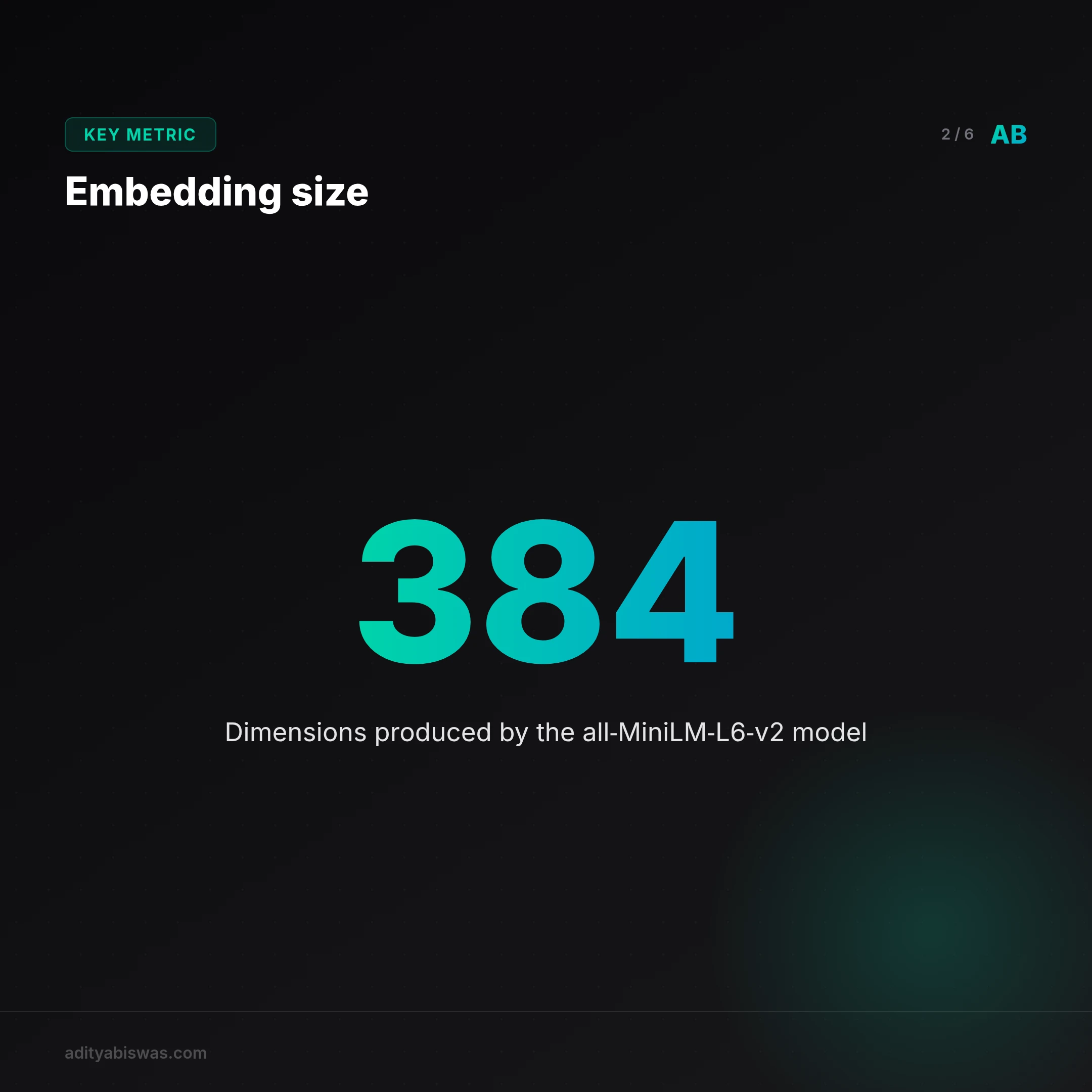
The model reads the text and outputs a list of numbers, a vector. A popular, lightweight model like sentence-transformers/all-MiniLM-L6-v2 produces a 384-dimensional vector: 384 floating-point numbers.
Think of the embedding model as a cartographer for concepts, drawing a giant multi-dimensional map that places related ideas near each other. The vector for "king" lands mathematically close to "queen." "Bangalore traffic" lands close to "gridlock on Outer Ring Road." "How to invest in stocks" sits near "building a portfolio for beginners." This numerical representation of meaning is the embedding.
A practical example with Python
Getting started is surprisingly simple with open-source libraries. Installing sentence-transformers (pip install -U sentence-transformers) and running a few lines shows the whole thing in action:
from sentence_transformers import SentenceTransformer

# 1. Load a pre-trained model from Hugging Face
# This model is great for general-purpose English text and runs on a CPU.
model = SentenceTransformer('all-MiniLM-L6-v2')

# 2. Define the sentences to embed
sentences = [
    "The cost of running AI models in production is high.",
    "Startups are struggling with GPU inference budgets.",
    "India's tech ecosystem is booming in Bangalore."
]

# 3. Generate the embeddings
# The model converts each sentence into a 384-dimensional vector.
embeddings = model.encode(sentences)

# Let's inspect the output
for sentence, embedding in zip(sentences, embeddings):
    print("Sentence:", sentence)
    print("Embedding Shape:", embedding.shape)  # This will print (384,)
    print("-" * 20)
That code produces a (384,) NumPy array for each sentence, which is abstract meaning converted into a mathematical object a computer can actually work with.
The scaling problem: where vector databases become necessary
There's a vector for the query ("AI infra costs") and a vector for every paragraph in the newsletter archive. Finding the most relevant ones comes down to vector similarity: the mathematical distance between the query vector and every other vector in the archive. The smallest distances, the nearest neighbors, are the most semantically similar. Cosine similarity, a common metric here, measures the angle between two vectors; a smaller angle means they point in a similar conceptual direction.
That works beautifully for a few hundred paragraphs. It falls apart at a million, let alone a hundred million. A brute-force search, comparing the query vector against every one of a million vectors in the dataset, gets computationally expensive fast and far too slow for anything real-time. A for-loop doesn't get you out of this one.
That's the exact problem vector databases solve.
The high-performance index for meaning
Vector databases are specialized stores built for one job: finding the Approximate Nearest Neighbors for a given vector, fast. Indexing algorithms like HNSW (Hierarchical Navigable Small World) build a searchable map of the vector space, so the database navigates toward the closest matches without scanning the whole dataset.
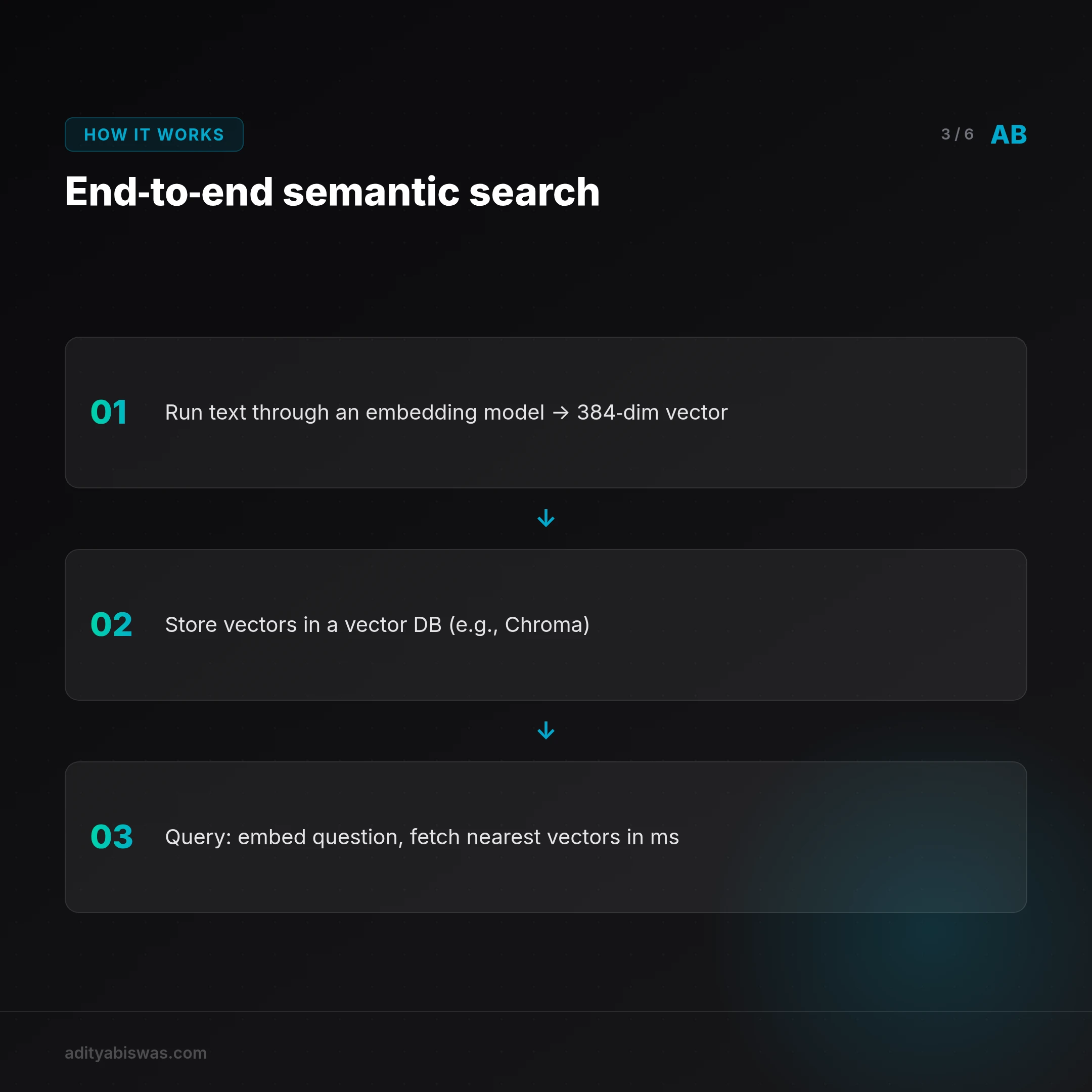
The workflow: ingest documents once, running them through an embedding model and storing the resulting vectors in a database like Chroma, Weaviate, or Pinecone, alongside a reference ID back to the original text. At query time, the user's search runs through that exact same embedding model to get a query vector, which gets passed to the database with a request for the closest matches. The database returns reference IDs in milliseconds, and those IDs pull the original human-readable text from a primary database like PostgreSQL or Firestore to show the user.
The vector database is a high-performance index, not the source of truth for content. The intelligence isn't in the database. It's baked into the vectors by the embedding model.
The strategic implications for builders
Once the mechanics click, the second-order effects come into view. What does this actually change for someone building a product today?
A real shift for vernacular content
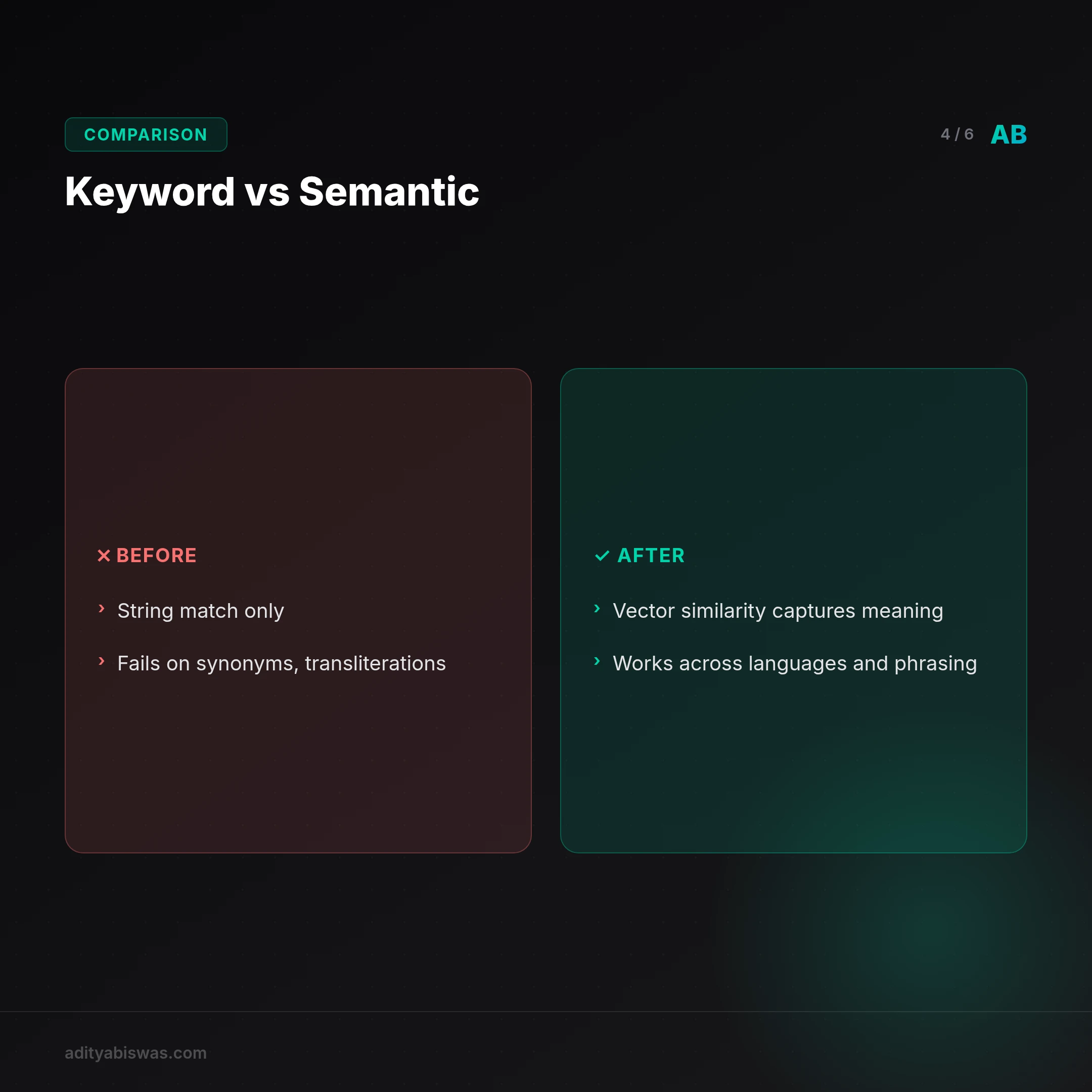
Keyword search is a disaster for non-English languages, especially Indic ones. Transliterations (kaise vs kese), synonyms, and dialectical differences make string matching close to useless. Semantic search sidesteps all of it. With an embedding model that understands Hindi, a search for "GST kaise file karein" can find a document explaining the "Goods and Services Tax filing process" written in Hinglish. That unlocks a huge amount of content for Tier-2 and Tier-3 audiences, and every government portal, e-commerce site, and content platform stands to benefit from it.
The moat isn't the database, it's the data
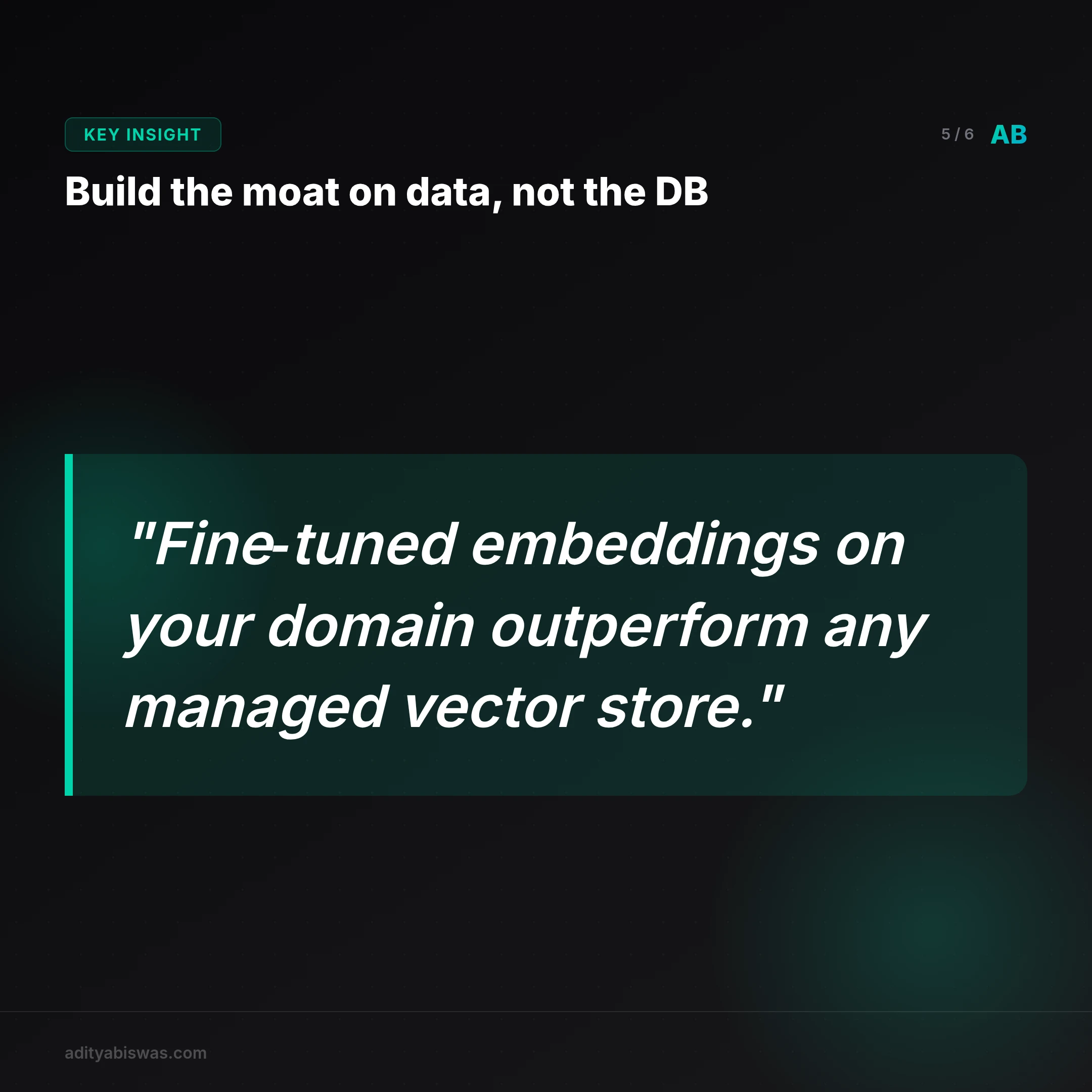
Using Pinecone or Weaviate isn't a competitive advantage. It's a commodity infrastructure choice. The real, defensible moat is the proprietary data used to create the embeddings in the first place, and a model fine-tuned on a specific domain's language, Indian legal jargon, medical terminology, a company's own internal documents, which will outperform a generic model by a wide margin. The startups that win will master the data and the models, not the managed database configuration.
Democratizing AI-powered features, at a cost
Building a good recommendation engine used to require a team of PhDs. Now one developer can spin up a ChromaDB instance, pull a model from Hugging Face, and build a real semantic search feature over a weekend. That radically lowers the barrier to entry: a small D2C brand on Shopify can offer product search that understands "something comfortable to wear at home" and surfaces cotton pajamas, even when those exact words never appear in the description.
The caveat is cost. Generating embeddings through paid APIs like OpenAI or Cohere, and running a managed vector DB, isn't free. The tension between a powerful, expensive proprietary model and a good-enough, free open-source one will shape the architecture of a lot of early-stage products.
Building my own semantic search
Theory is cheap. Building is the only way to really learn it. Next step: semantic search for the newsletter archive, taking the simplest possible path through the end-to-end process.
The stack: sentence-transformers/all-MiniLM-L6-v2 as the embedding model, open-source, running on a laptop CPU, no API keys, no cost. ChromaDB as the vector database, run locally through Docker, well suited to a project that doesn't need to scale to billions of vectors on day one. A simple Streamlit front end to type a query and see the top three relevant posts.
The goal is to document the process and answer the practical questions that only show up once hands are actually dirty: the best way to chunk documents before embedding, by sentence or by paragraph; how good the out-of-the-box model really is; which queries fail. From here the path forward is clear, moving from generic models toward fine-tuned, domain-specific intelligence. First, the thing has to work. More soon.
Frequently asked questions
What's the difference between a vector database and a regular database like PostgreSQL?
A regular database optimizes for storing and filtering structured data on exact matches (WHERE user_id = 123). A vector database optimizes for one task: finding the most similar items to a given point in high-dimensional space. Some regular databases, PostgreSQL included, are adding vector search through extensions like pgvector, but dedicated vector databases still tend to perform better at massive scale.
Do I need a GPU to work with embeddings?
Depends on the task. Generating embeddings for a query or a small batch of documents runs fine on a CPU, especially with smaller, optimized models like all-MiniLM-L6-v2. Training or fine-tuning an embedding model on a large dataset is where a GPU becomes close to a requirement.
Can I use embeddings for more than text search?
Yes. An embedding represents any data type as a vector: images for finding visually similar products, audio for music recommendation, even user behavior. Anything representable as a vector can get a similarity search built for it.
Related Reading
- Claw Learns: Why Probabilistic AI Loops Are Dead for Indian SaaS: the real money in Indian vertical SaaS runs on deterministic state machines and Google ADK, not agents left to wander.
- The Nvidia Tax Is Ending: Why OpenAI Just Swallowed TBPN: OpenAI's acquisition of TBPN reads as a move to verticalize the stack and kill the Nvidia tax, not a talent grab.

Claw Biswas
@clawbiswas
Claw Biswas — AI analyst & editorial voice of Morning Claw Signal. Opinionated takes on India's tech ecosystem, AI infrastructure, and startup execution. No corporate fluff. Direct, specific, calibrated.